
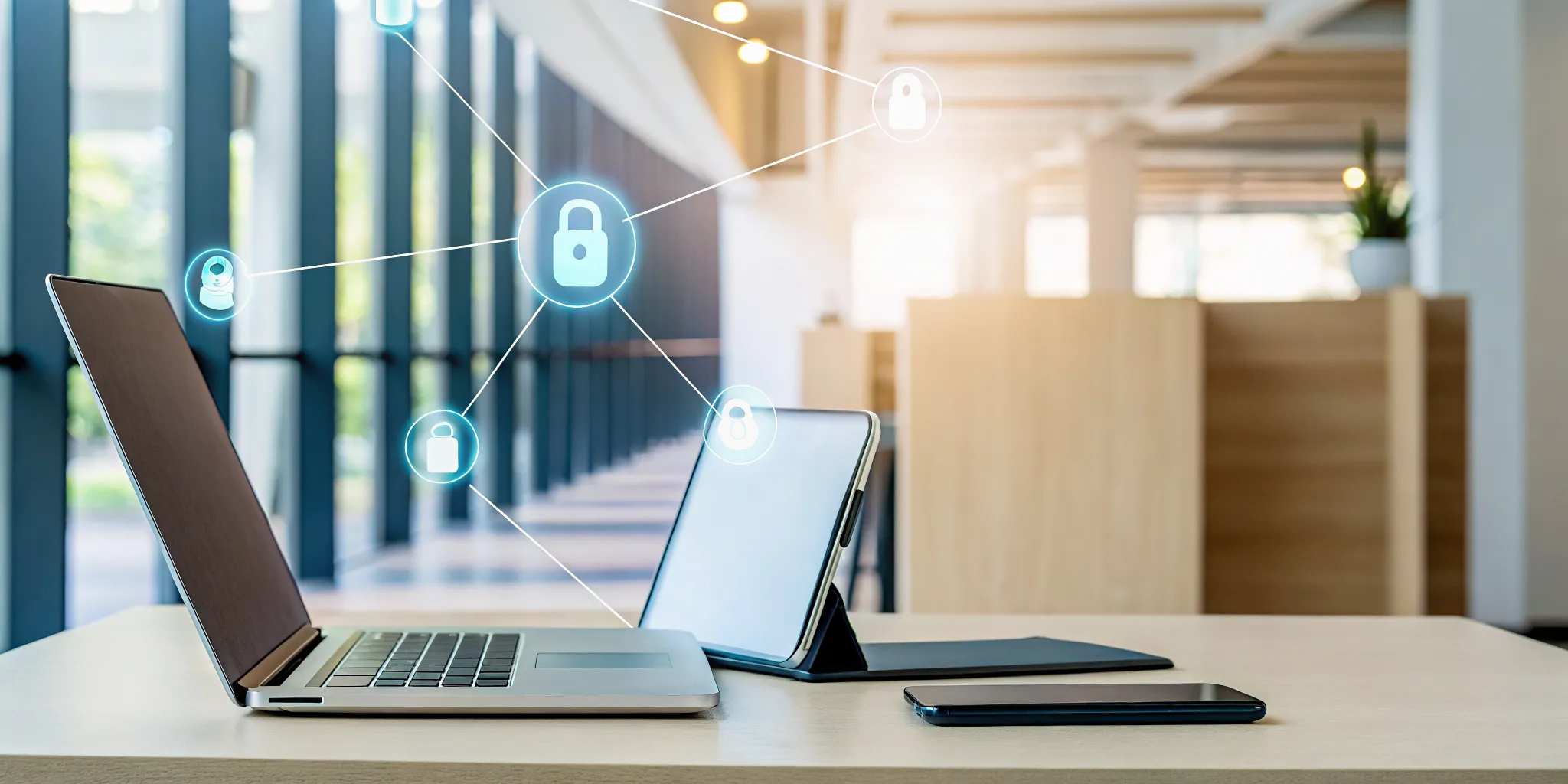
Every personal device connected to your network is a potential entry point for a cyberattack. In fact, over 60% of data breaches can be traced back to a compromised mobile device. This makes answering the question, “How can businesses safely support Bring Your Own Device (BYOD) policies?” more critical than ever. Simply hoping employees follow the rules isn’t a strategy. A secure BYOD program requires enforceable technical controls that protect your data no matter where it is. This article outlines the five non-negotiable security measures, from multi-factor authentication to data encryption, that your Tampa business must implement to mitigate these risks.
Key Takeaways
- Establish Clear Rules from the Start: A comprehensive BYOD policy is non-negotiable; it sets clear expectations by defining which devices are allowed, what constitutes acceptable use, and the exact steps to take if a device is lost or stolen.
- Pair Your Policy with Essential Technology: A policy alone isn’t enough. You must enforce it with technical controls like Mobile Device Management (MDM) to separate work and personal data, and multi-factor authentication (MFA) to prevent unauthorized access.
- Commit to Ongoing Management and Training: A successful BYOD program requires continuous effort, including regularly training your team on security practices, monitoring for compliance, and reviewing your policy at least once a year to keep it effective.
What Is a BYOD Policy and Why Does It Matter?
A Bring Your Own Device (BYOD) policy is a set of rules that allows your employees to use their personal smartphones, laptops, and tablets for work. It defines how they can access company data, what apps they can use, and what security measures they must follow. For many Tampa businesses, this seems like a win-win: employees get to use the devices they love, and the company can reduce hardware costs. However, this convenience comes with a serious trade-off. Every personal device connected to your network is a new potential entry point for security threats. Understanding both the benefits and the risks is the first step toward creating a policy that works for your business instead of against it.
The Upside: Why Businesses Choose BYOD
The appeal of BYOD is easy to see, especially when you look at the bottom line. Companies can save thousands of dollars by not having to purchase and maintain a fleet of corporate devices. Beyond cost savings, employees are often more productive and comfortable working on their own familiar hardware. This can lead to higher job satisfaction, a great perk in a competitive market. Plus, employees tend to upgrade their personal tech more frequently than companies do, meaning your team could be working with newer, faster devices without any extra investment from you. It’s a strategy that offers clear financial and operational advantages.
The Downside: Where BYOD Introduces Risk
While the benefits are attractive, the security risks are significant and can’t be ignored. Personal devices often lack the robust security controls of corporate-managed hardware. An employee might use a weak password, forget to install a critical software update, or accidentally download a malicious app, creating a backdoor into your network. This puts sensitive company and client data at risk. For an IT team, managing and securing a wide variety of personal devices is far more complex than overseeing a standardized set of company-owned equipment. Without a strong policy, you also face privacy issues and major headaches if a device is lost or an employee leaves the company.
What Should Your BYOD Policy Include?
A strong Bring Your Own Device (BYOD) policy is the foundation of a secure and productive program. Think of it as the official rulebook that clarifies expectations for both your company and your employees. It’s not just a document you create and forget; it’s a living guide that protects your sensitive data, ensures legal compliance, and builds trust with your team. A comprehensive policy moves beyond just IT rules and addresses behavior, privacy, and emergency procedures. By clearly defining every aspect of the program, you eliminate confusion and create a framework that everyone can follow confidently. Here are the five essential components every BYOD policy must have.
Eligible Devices and Platforms
Your policy needs to be specific about what types of devices are allowed. Simply stating “smartphones and laptops” isn’t enough. You should define the approved operating systems and their minimum versions, such as iOS 16.0 or newer and Android 13 or newer. This ensures that all devices can support your company’s security applications and management tools. Being specific prevents compatibility issues and security gaps that can arise from outdated software. This initial step is a core part of a strong cybersecurity posture, as it establishes a baseline standard for every device accessing your network and data, making your environment much easier to manage and protect.
Acceptable Use and Consequences
This section sets the ground rules for how employees can use their personal devices for work. Your policy should clearly outline what activities are permitted, like accessing company email and approved cloud applications, and what is strictly forbidden, such as downloading unvetted software or storing sensitive client files in a personal Dropbox account. It’s also critical to define the consequences for violating the policy. These can range from a formal warning to having work-related access revoked. Laying out these rules and repercussions in black and white removes ambiguity and ensures employees understand their responsibilities when handling company information on their personal hardware.
Employee Privacy vs. Company Monitoring
Employees are often concerned about their privacy when enrolling a personal device in a BYOD program. Your policy must address this head-on by being transparent about what the company can and cannot see. For example, you can explain that while your Managed IT Support team can monitor for security threats and manage corporate apps, they cannot access personal photos, texts, or browsing history. Clarifying that all company data on the device remains company property while personal data remains private is key. This balance is crucial for building the trust needed for employees to willingly participate in the program without feeling like their personal lives are being monitored.
How to Respond to Lost or Stolen Devices
A lost or stolen device is a potential data breach waiting to happen. Your BYOD policy must include a clear, step-by-step emergency plan. This protocol should require employees to immediately report a missing device to a specific contact, like your IT helpdesk. It must also grant the company permission to perform a remote wipe to protect sensitive information. Ideally, your policy should specify a selective wipe, which only removes company data and applications, leaving personal data untouched. This capability is a non-negotiable part of any modern data recovery services and security strategy, as it contains a potential disaster before it can escalate.
Legal and Compliance Requirements
For businesses in regulated industries like healthcare, finance, or law, a generic BYOD policy is not sufficient. Your policy must address the specific requirements of regulations like HIPAA, FINRA, or others relevant to your field. This may involve mandating advanced encryption, prohibiting the use of certain applications, or enforcing stricter access controls on devices that handle protected health information (PHI) or sensitive financial data. Failing to align your BYOD policy with these legal standards can lead to severe penalties and reputational damage. Working with an IT partner who understands these nuances ensures your policy is both practical and compliant.
What Security Measures Must Your BYOD Policy Enforce?
A BYOD policy is more than just a document; it’s a set of enforceable rules that protect your business. Without the right technical controls, your policy is just a suggestion. To truly secure your network and data, you must enforce specific security measures on every personal device that connects to your company resources. These measures are not optional. They form the technical backbone of a safe BYOD environment, ensuring that convenience doesn’t come at the cost of a data breach. As a Microsoft Partner with extensive experience in cybersecurity, we’ve seen firsthand that these five controls are the most critical for any Tampa business.
Enforce Strong Authentication (MFA)
A password alone is no longer enough to protect sensitive business data. Your policy must require strong, unique passwords for all accounts, but the real security comes from multi-factor authentication (MFA). MFA adds a second layer of verification, like a code sent to an employee’s phone or a prompt from an authenticator app, before granting access. This simple step can block over 99.9% of account compromise attacks. Implementing MFA across all company applications, especially email and file storage, is one of the most effective cybersecurity measures you can take to protect your business from unauthorized access, even if an employee’s password is stolen.
Implement Mobile Device Management (MDM)
You can’t secure what you can’t see. A Mobile Device Management (MDM) solution is essential for overseeing the personal devices connecting to your network. An MDM platform gives your IT team the ability to enforce security policies, confirm devices are compliant, and push necessary software updates automatically. For example, if an employee’s phone doesn’t have a passcode enabled, the MDM can block its access to your company email until the issue is fixed. This centralized control is a core part of our Managed IT Support, allowing us to manage and secure your fleet of devices, whether they are company-owned or personal.
Separate Work and Personal Data
One of the biggest risks of BYOD is the commingling of personal and company data. Your policy should mandate the use of technology that creates a secure, containerized space on personal devices exclusively for work applications and data. Think of it as a locked digital briefcase on the employee’s phone. This separation prevents sensitive information from being accidentally copied to a personal cloud account or accessed by a non-work app. Solutions within Microsoft 365, like Intune for Mobile Application Management, allow you to wipe only the corporate container if a device is lost or an employee leaves, leaving their personal photos and data untouched.
Require Data Encryption and Remote Wipe
If a device is lost or stolen, the data on it becomes your biggest liability. Your BYOD policy must require that all devices have full-disk encryption enabled. Encryption scrambles the data, making it unreadable to anyone without the correct credentials. This protects your information even if the physical device falls into the wrong hands. Just as important is the ability to perform a remote wipe. Your MDM solution should allow you to remotely erase all company data from a lost device the moment you learn it’s missing, effectively neutralizing the threat of a data breach.
Mandate Regular Software Updates
Hackers love to exploit known vulnerabilities in outdated software. Your policy must require employees to keep their device operating systems and applications up to date. These updates often contain critical security patches that close loopholes attackers could use to gain access to a device and, by extension, your network. An MDM can be configured to check for software updates and even prevent devices running outdated software from connecting to company resources. Ensuring every device is patched is a fundamental part of our IT services because it’s a simple yet powerful way to reduce your company’s attack surface.
How Do You Mitigate the Biggest BYOD Risks?
A solid BYOD policy is more than just a document; it’s a framework for actively managing risk. Once your policy is in place, your focus should shift to mitigation, which means addressing the most common security gaps before they become problems. For most businesses, the biggest threats come from unauthorized data access, the use of unapproved software, and failure to meet industry compliance standards. By tackling these issues head-on with clear rules and the right technology, you can protect your company’s data while still giving employees the flexibility they want.
Prevent Data Breaches and Unauthorized Access
The most immediate risk of any BYOD program is a data breach. A lost or stolen phone can become a direct gateway into your company’s network if it’s not properly secured. Your first line of defense is to enforce strong access controls on every personal device that connects to company resources. This starts with requiring strong, unique passwords and implementing multi-factor authentication (MFA) as a non-negotiable standard. MFA adds a critical verification step, like a code sent to an app, which prevents access even if a password is stolen. Furthermore, you must ensure all devices use data encryption, which scrambles information and makes it unreadable to anyone without authorization. These foundational cybersecurity measures are essential for protecting your sensitive information.
Control Shadow IT and Unapproved Apps
“Shadow IT” happens when employees use applications or cloud services for work without company approval. While it often starts with good intentions, like using a personal file-sharing app to send a large document, it creates major security holes. In fact, one report found that 78% of IT leaders say employees use personal devices for work without permission. These unapproved apps exist outside of your security controls, making it impossible to protect the company data flowing through them. The solution is twofold: your BYOD policy must clearly list all approved applications, and you should use a Mobile Device Management (MDM) solution to block unauthorized software from accessing your network. This gives you visibility and control over your data.
Manage Compliance Risks in Regulated Industries
For businesses in Tampa’s healthcare, legal, or financial sectors, BYOD adds another layer of complexity: compliance. Regulations like HIPAA have strict rules for how sensitive data is stored, accessed, and transmitted. A generic BYOD policy simply won’t cut it. For example, a healthcare provider must ensure that any personal device accessing electronic health records (EHR) meets the same security standards as a company-owned device. This often requires containerization, which separates work data into a secure, encrypted partition on the device. Failing to meet these standards can result in severe penalties, so it’s critical to work with an IT partner who understands the specific IT services and compliance needs of your industry.
Use Audits and Access Controls to Stay Compliant
A BYOD policy isn’t a “set it and forget it” solution. To ensure ongoing security and compliance, you need a system of regular checks and balances. This involves conducting routine audits of your IT environment to identify and address potential vulnerabilities on devices connected to your network. It also means continuously monitoring network activity for suspicious behavior, such as an unusual number of failed login attempts or a large data transfer to a personal device late at night. These proactive measures allow you to detect and respond to threats in real time. Implementing strict access controls ensures that employees can only access the specific data and systems they need to do their jobs, nothing more.
How Do You Launch a BYOD Policy That Lasts?
A great BYOD policy is more than just a document; it’s a living part of your company culture. Simply writing the rules and hoping for the best won’t protect your business. A successful launch requires a clear plan for introducing the policy, training your team, and keeping it relevant over time. Think of it as an ongoing commitment, not a one-time task. By focusing on a structured rollout and continuous improvement, you can create a program that supports flexibility while keeping your company’s data secure.
Create a Clear Onboarding Process
Your BYOD policy should be a standard part of every new employee’s onboarding. Don’t just hand them a document to sign. Walk them through the key points so they understand their responsibilities from day one. Your onboarding should clearly explain the rules of the road, including which personal devices are permitted and the minimum security standards they must meet. A formal BYOD policy outlines what is expected, from acceptable use to the steps for connecting a device to the company network. This process sets a clear precedent and ensures everyone starts on the same page, reducing confusion and security risks down the line.
Provide Ongoing Security Training
A policy is only effective if your team understands the reasoning behind it. Regular security training is essential for turning rules into habits. These sessions should be practical and engaging, focusing on real-world threats your employees might face. You can teach employees how to spot phishing emails, why using strong, unique passwords matters, and the correct way to handle sensitive company data on a personal device. At IGTech365, we integrate this training into our cybersecurity services, helping Tampa businesses build a security-first mindset across their entire organization. Consistent training reinforces that security is a shared responsibility.
Track Key Metrics to Measure Success
How do you know if your BYOD policy is actually working? You need to track its performance. Regularly monitoring key metrics helps you identify what’s effective and where you might have vulnerabilities. Start by tracking the number of security incidents involving personal devices, the percentage of employees compliant with your MDM software, and the volume of BYOD-related helpdesk tickets. You should also constantly watch network activity for anything unusual. These data points give you a clear picture of your security posture and help you make informed decisions instead of guessing about potential risks.
Know When and How to Update Your Policy
Technology and security threats are constantly changing, and your BYOD policy must change with them. A policy written last year might not cover the vulnerabilities of today. Schedule a formal review at least once a year to ensure your guidelines are still relevant. It’s also wise to revisit the policy after a security incident, a major mobile operating system update, or a shift in business operations. A clear, formal policy is a living document. Keeping it current is a critical part of long-term risk management and ensures your business remains protected as it grows.
How IGTech365 Helps Tampa Businesses with BYOD
A solid BYOD policy is more than just a document; it requires the right technology and ongoing management to work. This is where having an IT partner makes all the difference. At IGTech365, we work with businesses across Tampa to turn their BYOD policies into a secure, practical reality. We don’t just hand you a checklist. We roll up our sleeves and help you implement the technical controls and processes needed to protect your data, whether your employees are in the office or on the go. Our approach combines robust security tools with practical, real-world guidance tailored to your specific industry.
Deploying MDM and UEM Solutions
This is the first step in enforcing your policy. We help you implement Mobile Device Management (MDM) and Unified Endpoint Management (UEM) solutions, often using powerful tools like Microsoft Intune. Think of MDM as the remote control for securing work data on personal devices. It allows us to enforce password requirements, encrypt company data, and even remotely wipe sensitive information if a device is lost or stolen, all without touching personal photos or apps. UEM takes this a step further, giving you a single dashboard to manage security across all endpoints, from employee iPhones to company-owned laptops. Our managed IT support ensures these tools are configured correctly from day one.
Ensuring Compliance for Healthcare, Law, and Finance
If you’re a law firm in St. Petersburg or a healthcare clinic in Wesley Chapel, you know that compliance isn’t optional. Regulations like HIPAA and other data privacy laws add a thick layer of complexity to BYOD. We specialize in helping Tampa’s regulated businesses meet these strict requirements. Our team helps you configure your systems to control who can access sensitive client or patient data on personal devices, create audit trails for access, and ensure data is always encrypted. We build a cybersecurity framework around your BYOD policy, giving you the documentation and technical controls needed to confidently pass an audit and protect your practice from costly breaches.
Conducting Policy Reviews and Employee Training
Technology is only half the battle; your employees are your first line of defense. A policy is only effective if your team understands and follows it. We partner with you to provide clear, ongoing security training that sticks. This isn’t a one-time, boring presentation. We teach your staff how to spot phishing attempts, use strong passwords, and handle company data responsibly on their personal devices. As technology and threats change, we also help you conduct regular policy reviews to ensure your BYOD strategy remains effective and up-to-date. This continuous partnership is a core part of our IT services, designed to keep your business secure for the long haul.
Related Articles
- What Is Microsoft Intune? A Plain-English Guide
- IT Security for Personal Devices Used In Your Business
Frequently Asked Questions
Is a BYOD policy really necessary if I only have a few employees? Yes, absolutely. The size of your team doesn’t change the value of your data. A single unsecured personal phone connecting to your company email or files can create a significant security risk. A policy establishes clear, consistent rules for everyone, protecting your business from day one. Think of it as setting expectations early on, which is much easier than trying to fix bad habits later as your company grows.
What’s the most important part of a BYOD policy to get right? The most critical element is the balance between clear rules and the technology to enforce them. Your policy must explicitly state what is and isn’t allowed, but those rules need teeth. This is where a Mobile Device Management (MDM) solution comes in. It allows you to enforce requirements like passcodes and encryption automatically, ensuring the policy is followed instead of just being a document that sits in a folder.
How can I enforce security on a personal phone without invading my employee’s privacy? This is a common and valid concern. Modern security tools are designed to solve this exact problem. Instead of managing the entire device, they create a secure, separate “container” or “work profile” on the phone. All company apps and data live inside this encrypted space. Your IT team can manage and secure everything inside the container, but they have no visibility or access to personal apps, photos, or messages outside of it.
What happens if an employee loses their phone? Is my company data at risk? A lost device is a serious event, but with the right policy, it doesn’t have to be a disaster. Two key measures protect you. First, data encryption makes all the information on the device unreadable without the correct password. Second, your policy should grant permission for a remote wipe. This allows your IT support to instantly delete all company data from the phone the moment it’s reported missing, neutralizing the threat before a breach can happen.
My team is already using personal devices for work without a policy. What should I do first? Don’t panic; this is a very common situation. The first step is to get a clear picture of what’s happening now. Figure out which employees are using personal devices and what company data they are accessing. Next, draft a formal policy that includes the key security measures, like multi-factor authentication and MDM. Finally, communicate the new plan to your team, explaining why the changes are necessary to protect the company and their data before you roll out any new technology.