
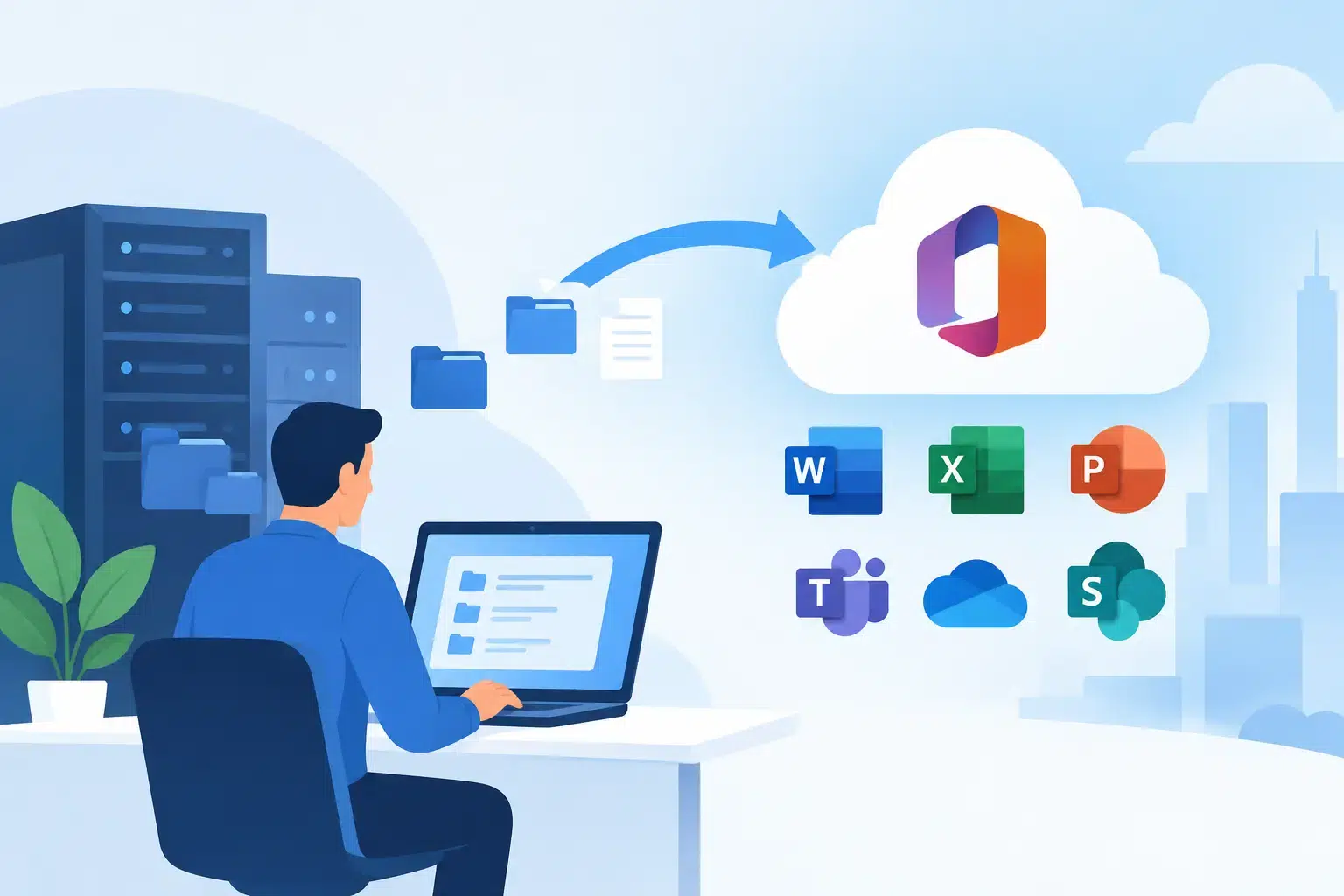
A Monday morning email outage can stop a business faster than most leaders expect. Staff cannot reach clients, shared files are missing, calendars fail, and someone is left trying to remember who still has access to the old system. A Microsoft 365 migration for business should prevent that kind of disruption, not create it.
Moving email, files, user accounts, and collaboration tools into Microsoft 365 is often the right decision for a growing company. It gives teams a familiar place to work from anywhere while giving leadership more control over security, access, licensing, and data protection. But the result depends on planning. A rushed migration can leave behind old data, confuse employees, and introduce security gaps that are harder to see than a broken inbox.
Why Microsoft 365 migrations become business disruptions
Most migration problems do not start with Microsoft 365 itself. They start with incomplete information. A business may not know where every mailbox, shared folder, contact list, or line-of-business application is connected. Former employees may still have active accounts. Teams may rely on files stored on a local server, personal cloud drives, or a shared desktop that nobody thought to include in the plan.
That is why a migration should begin with a clear inventory, not a move date. Your IT team needs to understand what you have, who uses it, what must remain available, and what cannot be lost. For a law firm, that may mean preserving matter-related email and client files. For a healthcare office, it may mean protecting patient information and maintaining HIPAA-aligned controls. For a construction company, it may mean keeping crews connected to current plans from the field.
The goal is not simply to transfer data. It is to keep the business working while the technology changes underneath it.
Decide what a Microsoft 365 migration should fix
A move to Microsoft 365 is a good time to address problems that have been tolerated for too long. If employees share passwords, use personal email for work, save important files only on office computers, or struggle to find the current version of a document, copying those habits into a new platform will not solve much.
Before migration, leadership should define the outcomes that matter. That may include better access to files for remote employees, reduced reliance on an aging server, consistent email addresses after an acquisition, stronger phishing protection, or clearer control over who can access financial, client, or employee records.
The right scope depends on your organization. A smaller office may need email, OneDrive, Teams, and basic device management. A larger or regulated organization may also need SharePoint document structure, Microsoft Intune policies, Microsoft Defender protections, retention rules, conditional access, and detailed audit controls. More features can add protection and control, but they also need thoughtful configuration and employee training.
A practical Microsoft 365 migration plan
The best migrations are staged around business operations. They do not force the accounting team to learn a new file process during month-end close or ask a medical office to tolerate email uncertainty during a busy appointment day.
Start with discovery and cleanup
First, identify all users, mailboxes, aliases, distribution lists, shared mailboxes, domains, files, applications, and devices involved. Review which accounts are active and which should be removed. Check mailbox sizes, file permissions, and any applications that send messages through the current email system.
This step also exposes risk. If a shared mailbox is accessed with a generic password, or a former employee still owns a key cloud account, fix it before migration. Cleaning up access early makes the new environment easier to manage and reduces the chance that old security problems follow you forward.
Build the destination before moving data
Microsoft 365 should be configured before the first mailbox is migrated. That includes verifying your domain, creating user accounts, assigning the right licenses, and setting up shared mailboxes and groups. It also means establishing the security baseline that fits your business.
At a minimum, that typically includes multifactor authentication, secure password standards, anti-phishing controls, and limits on risky sign-ins. Businesses handling sensitive data may need conditional access rules that require approved devices or block sign-ins from unexpected locations. These controls should support real work, not make employees call for help every time they open Outlook.
Move in manageable groups
A pilot migration gives the business a chance to test the experience with a small, representative group before everyone moves. Include users with different needs: leadership, office staff, remote employees, and anyone who relies on a shared mailbox or large file set.
After the pilot, migrate employees in scheduled groups. Communicate what will change, when it will happen, and what employees need to do. Plain instructions matter. People need to know whether they will sign in with a new password, how to set up multifactor authentication, where their files will be, and who to call if Outlook does not open at 7 a.m.
Validate the work, not just the transfer
A migration tool may report that a job completed, but that is not the same as proving the business is ready. Test internal and external email, calendar sharing, mobile access, shared mailboxes, permissions, Teams meetings, file access, and critical application notifications.
Keep the previous system available for an appropriate transition period when practical. That provides a recovery path if a forgotten mailbox, archive, or integration surfaces after cutover. The trade-off is temporary complexity and cost, but it is often preferable to discovering a missing record when a client or regulator asks for it.
Security and backup need their own decisions
Microsoft 365 provides powerful security capabilities, but licensing and default settings do not automatically create a complete protection strategy. The platform can help defend against phishing, malicious attachments, account compromise, and unauthorized access when it is configured and monitored correctly.
A business should also decide how it will protect Microsoft 365 data from accidental deletion, ransomware activity, retention mistakes, and disgruntled-user actions. Recycling bins and retention settings have value, but they are not a substitute for a business-owned backup strategy with clear recovery expectations. If a critical folder disappears, the question is not whether data exists somewhere. The question is how quickly your team can restore it and get back to work.
This is particularly relevant for Florida businesses managing client records, financial data, healthcare information, or project documentation. Security should be matched to the risk, the compliance obligations, and the practical needs of the people using the system every day.
Prepare employees for the first week after cutover
Most post-migration support requests are predictable. Employees need help signing in on phones, reconnecting Outlook, locating files, understanding Teams, or using multifactor authentication. These are normal adjustments, not signs that the project failed.
What matters is whether help is available quickly. A clear support plan reduces frustration and prevents employees from creating workarounds such as forwarding company email to personal accounts or saving sensitive documents outside approved locations. Short, role-specific guidance is usually more effective than a long technical manual.
For many organizations, the first week is also when collaboration habits take shape. Establish where project files belong, when Teams chat is appropriate, how shared mailboxes are managed, and who approves access to sensitive folders. A little structure now prevents a new round of file sprawl later.
Make the migration part of a larger IT plan
A Microsoft 365 migration is not a one-time technology chore. It is a foundation for better device management, stronger cybersecurity, reliable remote work, and more consistent support. Once the environment is in place, it needs ongoing licensing review, user administration, security monitoring, backup testing, and regular policy adjustments as the business changes.
That is where a single accountable IT partner can make a difference. IGTech365 helps Florida businesses plan and manage Microsoft 365 around the realities of daily operations, from security controls and data migration to user support after go-live. The focus is simple: fewer interruptions, protected information, and a team that knows who to call when something needs attention.
If your business is considering a move, start by mapping the systems and workflows your team cannot afford to lose. A careful conversation before the project begins is often the difference between a stressful cutover and a calmer first day in Microsoft 365.