
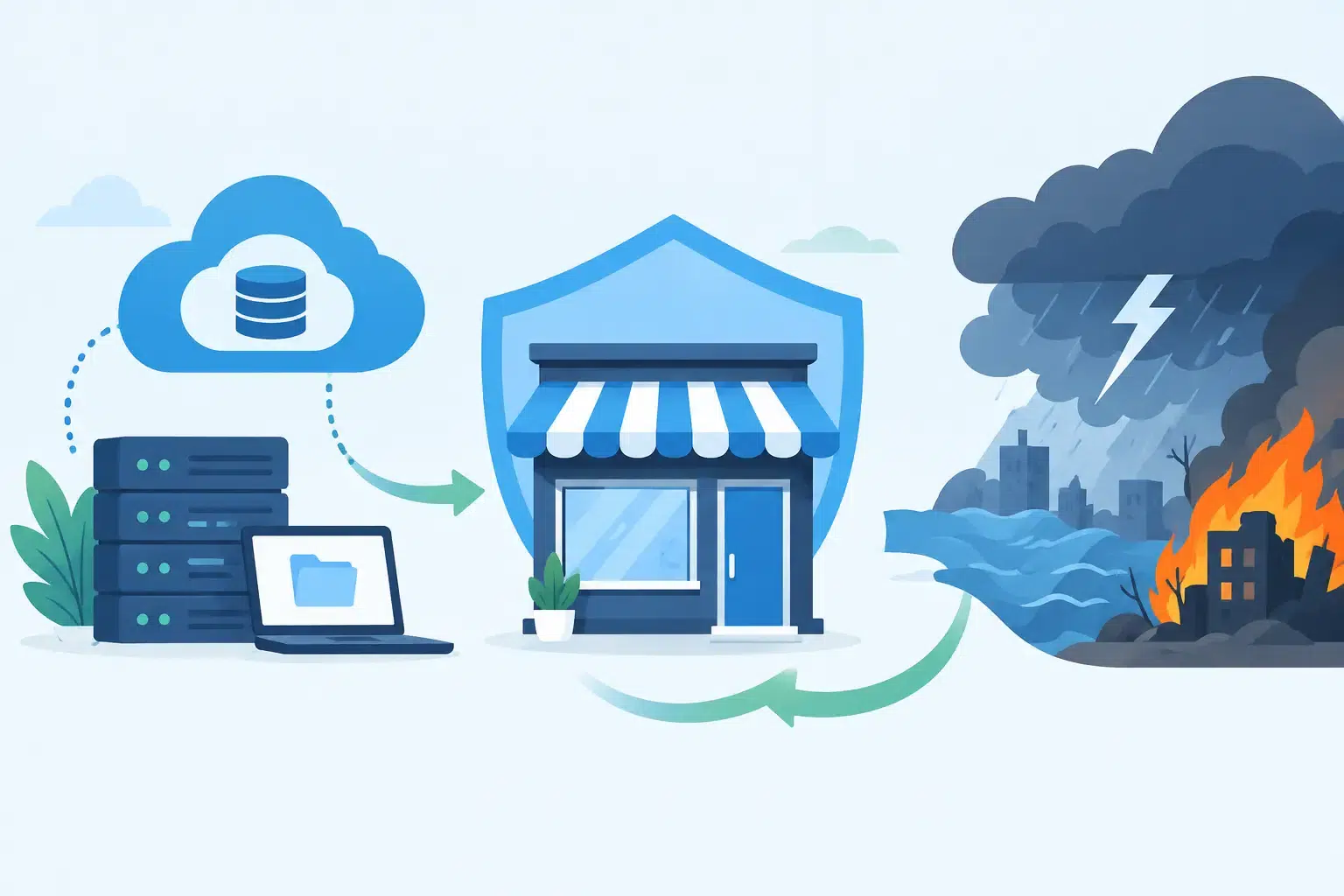
A server failure at 7 a.m. can turn into missed estimates, delayed patient appointments, unanswered client emails, and a team waiting for someone to say what happens next. A disaster recovery plan for small business replaces that uncertainty with a practical, tested path to restore systems, protect data, and keep work moving.
For Florida businesses, the threat is not limited to hurricanes. Ransomware, a failed internet connection, an accidental file deletion, water damage, power loss, and a cloud account takeover can all interrupt operations. The right plan is not a binder that sits untouched in a cabinet. It is an operating plan your people can use under pressure.
What a Disaster Recovery Plan Actually Covers
Disaster recovery is the process of restoring technology after an interruption. It covers the systems your business needs to operate: files, email, line-of-business applications, servers, workstations, phone systems, network equipment, and cloud services such as Microsoft 365.
Business continuity is closely related, but broader. It answers how the company continues serving customers while systems are unavailable. Disaster recovery answers how IT comes back online and in what order. Small businesses need both, even if the plan is concise.
A useful plan starts with an honest question: if this system stopped working today, what would it cost us in four hours, one day, or one week? For an accounting firm, the answer may involve tax records and secure client portals. For a construction company, it may be project files, estimating software, mobile access, and communications with crews. A medical office may need access to schedules, records, and compliant communications quickly.
The goal is not to recover everything at the same speed. It is to recover the most important work first.
Build Your Disaster Recovery Plan for Small Business
Identify what must come back first
Start by listing the applications, data, vendors, and equipment your team depends on each day. Include the less obvious pieces: internet service, Wi-Fi, firewall, phones, shared printers, cloud logins, domain registration, and multifactor authentication.
Then assign each system an owner and a priority. Your payroll platform may be important, but it may not need to be restored before email, customer records, or the application that lets your team do its primary work. A clear priority order prevents well-meaning people from spending the first hours of an outage fixing the wrong thing.
Set two practical targets for each critical system. The recovery time objective defines how quickly the system must be available again. The recovery point objective defines how much data loss is acceptable. If a shared file is backed up once each night, losing a full day of work may be possible. If that loss would create a serious operational or compliance problem, the backup schedule needs to be more frequent.
These targets should reflect business reality, not wishful thinking. Faster recovery and lower data loss usually require more investment in backup storage, cloud infrastructure, licensing, and technical support. A managed provider can help determine where that investment matters most.
Use backups designed for real recovery
A backup is only valuable if it can be restored. Many businesses learn too late that a backup job showing “successful” does not guarantee usable data, the right permissions, or a fast enough restore process.
A dependable strategy usually follows the 3-2-1 principle: maintain at least three copies of important data, on two different types of storage, with one copy kept offsite or isolated from the main network. For ransomware protection, an immutable or otherwise protected backup copy is especially valuable because attackers often try to delete or encrypt backups before demanding payment.
Cloud applications need attention too. Microsoft 365 protects the service infrastructure, but businesses still need a plan for accidental deletions, retention needs, malicious activity, and recovering files or mailboxes to the right point in time. The same applies to cloud-based line-of-business platforms. Ask each vendor what they recover, how quickly they recover it, and what remains your responsibility.
Document people, access, and communication
During an outage, confusion spreads faster than the technical problem. Your plan should name who declares an incident, who contacts IT support, who communicates with employees, and who updates customers or vendors when needed.
Keep emergency contacts available outside the affected environment. If your email is down, a contact list stored only in email is not helpful. Include internet and phone providers, key software vendors, insurance contacts, building management, and your IT partner.
Document where administrator credentials are stored and who can access them. This must be secure, but it cannot depend on one person’s memory or a former employee’s phone. Password management, documented account ownership, and multifactor authentication recovery procedures are essential parts of disaster readiness.
Communication should be direct and measured. Employees need to know whether they should work from home, avoid restarting devices, use a temporary phone number, or pause certain tasks. Customers usually do not need every technical detail. They need an honest update, an expected next step, and confidence that someone is accountable.
Plan for a safe place to work
Not every disaster is digital. A storm, fire, building access issue, or extended power outage can make the office unavailable even when systems are intact.
Decide how your team will work remotely, where they will access files, and which employees need company-issued devices or secure remote access. Test that process before it is urgent. Personal laptops, unsecured home Wi-Fi, and improvised file sharing may keep work moving briefly, but they can create security and compliance concerns for healthcare, legal, financial, and other regulated organizations.
For some companies, the answer is cloud access and remote support. For others, it may include a temporary workspace, spare equipment, cellular backup internet, or a replacement firewall ready to deploy. The right choice depends on your industry, the size of your team, your tolerance for downtime, and the systems that run your business.
Test the Plan Before You Need It
The biggest weakness in many recovery plans is that no one tests them. A plan can look complete on paper while a restore takes far longer than expected or a critical dependency is missing.
Test in layers. Review the contact list and system priorities quarterly. Test file restores and Microsoft 365 recovery on a regular schedule. At least annually, run a tabletop exercise: walk leadership and key staff through a realistic scenario such as ransomware, a hurricane-related power outage, or a failed server. Ask who does what in the first 15 minutes, first hour, and first business day.
For critical systems, periodic full recovery testing is worth the effort. This is where technical teams confirm that backups are intact, applications start correctly, users can sign in, and data is current enough to meet the recovery objectives you set.
Testing also reveals operational gaps. Perhaps no one knows how to redirect phones. Perhaps a vendor account is tied to an inactive email address. Perhaps remote users cannot reach a necessary application. Finding these issues during a scheduled test is far less costly than finding them during a live incident.
Avoid the Gaps That Turn Outages Into Crises
Small businesses often assume cyber insurance, cloud software, or a basic backup tool is the whole answer. Each can help, but none replaces a complete recovery plan. Insurance may support financial recovery, but it will not restore your files or tell employees how to work tomorrow morning. Cloud software reduces some infrastructure risk, but it does not prevent account compromise or internet outages.
Another common mistake is treating recovery as an IT-only project. Leadership needs to define acceptable downtime, department owners need to identify critical workflows, and IT needs authority to implement and test the technical controls. When those pieces are disconnected, recovery decisions become slower and more expensive.
A single accountable IT partner can make this easier by connecting backup, cybersecurity, Microsoft 365 administration, network management, documentation, and support under one plan. At IGTech365, that means looking beyond whether a backup exists and focusing on whether your business can actually resume work.
A good plan does not promise that nothing will go wrong. It gives your business a calm, deliberate response when it does. Start with the systems that would hurt most to lose, verify that they can be recovered, and make sure your team knows who to call before the next unexpected outage asks the question for you.