
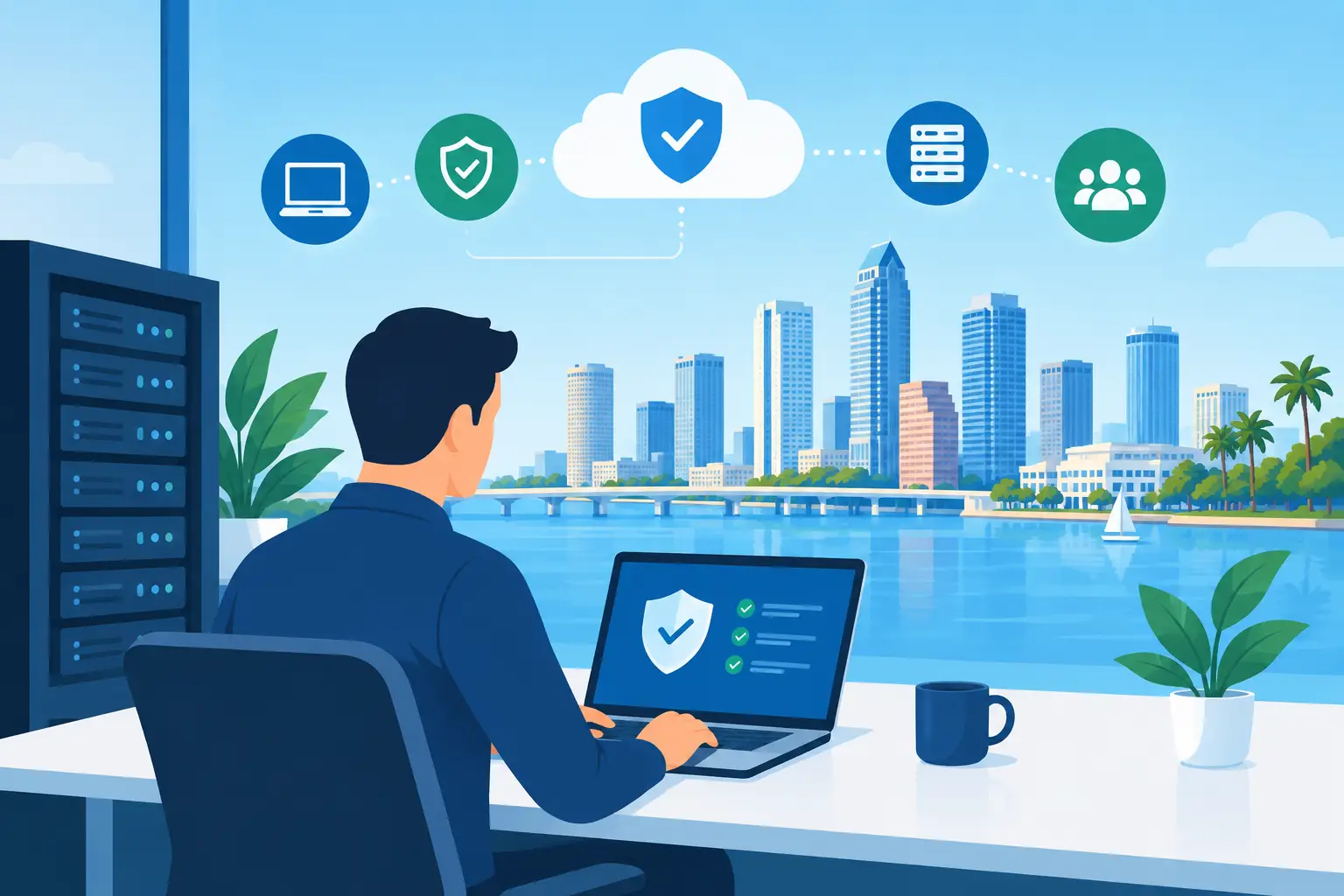
A Wi-Fi failure at 7 a.m. can delay an entire construction crew. A locked Microsoft 365 account can stall a client deadline. A backup that has never been tested can turn a routine server issue into days of lost work. Tampa managed IT services give growing businesses a practical way to prevent these disruptions, respond quickly when they happen, and keep technology from becoming another leadership burden.
For many Tampa Bay organizations, the problem is not a lack of technology. It is a lack of ownership. One vendor handles phones, another manages the internet connection, an employee knows the server password, and a third party was supposed to handle backups. When something breaks, everyone points elsewhere. A managed IT partner brings those moving parts under one accountable team.
What Managed IT Should Actually Deliver
Managed IT is more than a helpdesk number. It is an ongoing operating model for the technology your business relies on every day. The right provider monitors systems, maintains networks, manages user access, protects data, handles routine support, and helps leadership make sound technology decisions before urgent problems force the issue.
That matters because downtime has a wider cost than a repair bill. When systems are unavailable, employees cannot process orders, access job files, answer customers, submit claims, or close a month-end report. Even short interruptions can create confusion, overtime, missed opportunities, and reputational damage.
A capable managed services provider works to reduce those interruptions through proactive maintenance and real human support. That includes watching for failing hardware, missed security updates, unusual login activity, storage issues, and backup failures. It also means answering the phone when a user cannot print before a client meeting or connect from a job site.
The goal is simple: fewer surprises, faster recovery, and a technology environment that supports the work instead of interrupting it.
Why Tampa Businesses Need a Local, Accountable IT Partner
Tampa businesses operate in a region where growth can happen quickly. A company may add a second office, bring on remote staff, move to Microsoft 365, adopt cloud applications, or take on customers with stricter security requirements. Technology that worked for 15 employees often becomes unreliable or insecure at 50.
This is where a local managed IT relationship has value. Remote tools can resolve many issues, but a provider serving Tampa Bay should also understand when an on-site visit is necessary. A network closet problem, failed firewall, damaged cable run, office move, or conference room installation cannot always be fixed through a screen share.
Local support is not just about proximity. It is about accountability. Your provider should know your environment, your priorities, and the operational cost of a disruption. A law firm protecting confidential client records, a healthcare practice managing HIPAA obligations, and a manufacturer with production-floor connectivity needs will not have the same technology plan. They should not receive the same generic service.
The Core Services That Protect Daily Operations
A strong managed IT plan should cover the full environment, not only the devices that happen to be failing this week. Fragmented support creates gaps, and gaps are where downtime and security incidents often begin.
Helpdesk Support That People Can Actually Use
Employees need clear, responsive help when technology gets in the way of their work. That may be a password reset, a laptop that will not connect to Wi-Fi, an email issue, a printer problem, or access to a shared file. Fast helpdesk support prevents small frustrations from turning into lost hours across the team.
Speed matters, but so does ownership. A good technician does not simply close a ticket after applying a temporary fix. They look for the reason the problem occurred and coordinate with other vendors when necessary.
Security Built Into Everyday IT
Cybersecurity cannot be treated as a separate project that gets attention once a year. Phishing, ransomware, stolen credentials, and unauthorized access affect businesses of every size. Attackers often target smaller organizations because they expect weaker controls and limited internal resources.
Managed security should include tools and practices that reduce common risks: endpoint protection, email security, multifactor authentication, access management, patching, backup monitoring, and employee guidance. For businesses with higher requirements, it may also include penetration testing, HIPAA-focused controls, Microsoft Defender, Intune, and documented compliance support.
No provider can promise that an attack will never occur. The practical standard is layered protection, early detection, and a tested response plan that limits damage if something gets through.
Backups and Disaster Recovery That Have Been Tested
A backup is only useful if it can be restored when the business needs it. Too many companies learn that their backup was incomplete, outdated, or inaccessible after a server failure, accidental deletion, ransomware event, or storm-related outage.
A reliable strategy includes more than copying files somewhere else. It defines what data is protected, how frequently it is backed up, where copies are stored, how quickly systems can be restored, and who is responsible for validating the process. Cloud backups may be right for one business, while another needs local recovery capacity for critical operations. The answer depends on how much downtime the business can realistically absorb.
Cloud, Microsoft 365, and Network Management
Cloud migration and Microsoft 365 can improve collaboration, remote access, and scalability, but only when accounts, permissions, licensing, and security settings are managed carefully. Unused licenses waste money. Overly broad permissions expose sensitive data. Poorly configured sharing settings can create risk without anyone realizing it.
The same principle applies to networks. Reliable Wi-Fi, firewalls, switches, VPN access, VoIP systems, and low-voltage cabling are foundational to daily work. When they are managed together, problems are easier to diagnose and improvements are easier to plan.
When Managed IT Is the Right Fit
Tampa managed IT services are especially useful for businesses that have outgrown informal IT support but do not need, or cannot justify, a full internal IT department. It can also be a strong fit for companies with an internal IT manager who needs additional capacity for projects, security, after-hours monitoring, or specialized expertise.
The model is not identical for every organization. A five-person professional office may need dependable helpdesk support, Microsoft 365 administration, security basics, and secure backups. A multi-site healthcare, accounting, manufacturing, or construction business may need more advanced network management, compliance guidance, device controls, disaster recovery planning, and on-site project support.
What should remain consistent is the relationship. Your provider should be able to explain what is being managed, what risks exist, what improvements are recommended, and how those recommendations support your business goals.
Questions to Ask Before Choosing a Provider
Price matters, but the lowest monthly quote can become expensive if it excludes the services your business actually needs. Ask how support requests are handled, whether after-hours coverage is available, and what response expectations apply to urgent problems.
You should also ask who owns vendor coordination. If your internet provider, phone company, software vendor, or copier company causes a problem, will the managed IT team help drive the issue to resolution? Businesses should not have to act as the middleman between technical vendors during an outage.
Finally, ask about security and recovery in concrete terms. How are backups monitored and tested? How is multifactor authentication deployed? What happens if a user clicks a phishing link? How often will you receive a clear review of risks, priorities, and future IT needs? Specific answers are a better sign than broad promises.
Technology Should Make Growth Easier
The best IT relationship gives leadership more control without requiring them to become technology experts. Instead of wondering whether backups worked, whether devices are protected, or who to call when the network goes down, you have a team that monitors, documents, responds, and plans.
IGTech365 helps Tampa Bay businesses bring support, security, cloud, networks, recovery, and IT strategy under one accountable partner. The result is not technology for its own sake. It is a calmer workday, better protection for critical data, and fewer operational surprises.
If recurring IT issues are pulling attention away from customers and growth, a free IT health check or a 15-minute strategy call can provide a useful starting point. The right next step is not a rushed technology purchase. It is a clear view of what is working, what is exposed, and what will keep your business moving tomorrow.