
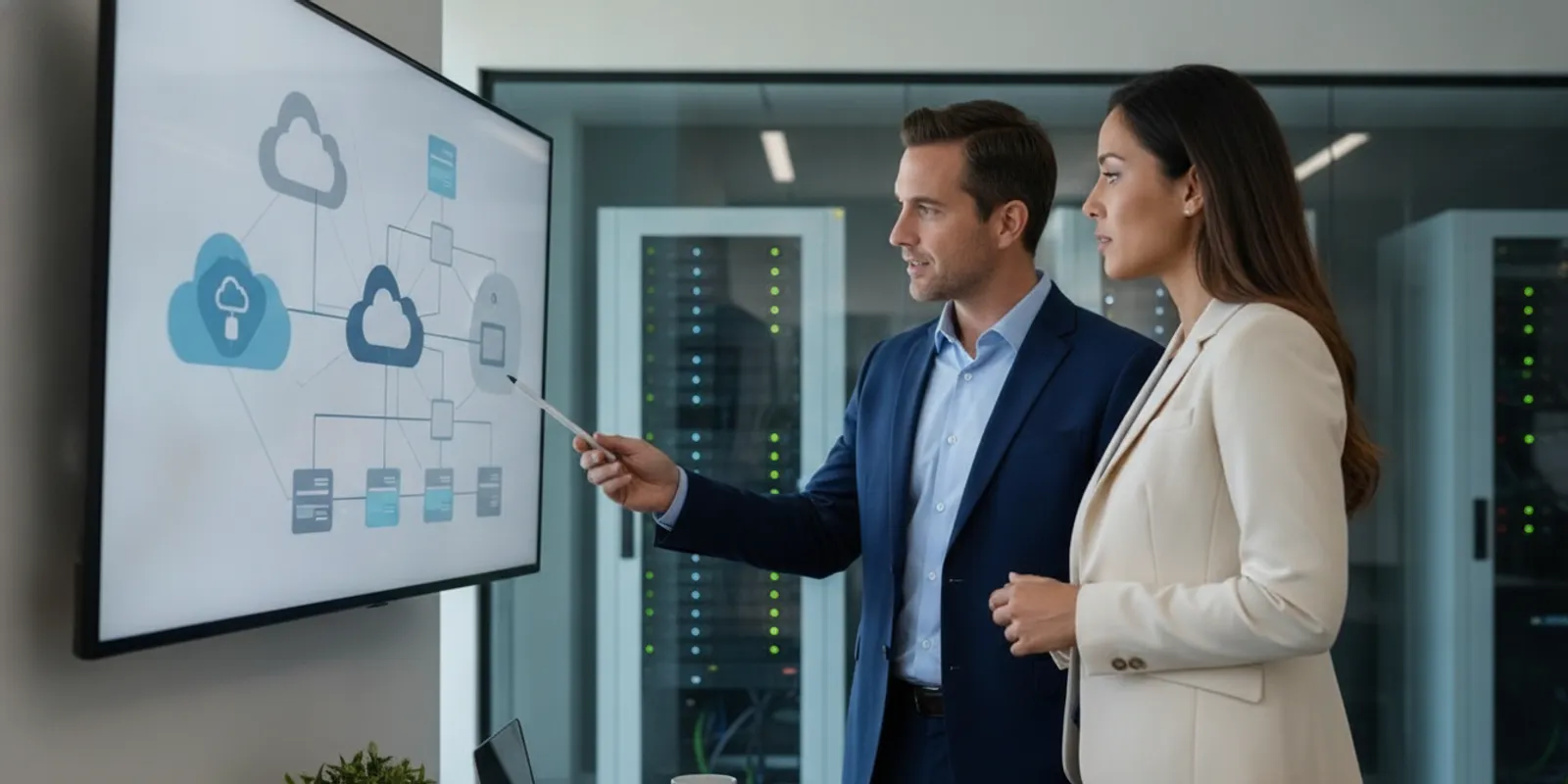
Cloud migration and management services help a business move applications, data, and infrastructure to cloud platforms, then operate that environment over time. The useful distinction is that migration is a project, while management is an ongoing responsibility. Planning for both from the start helps you choose a practical destination, protect critical workflows, and avoid treating launch day as the finish line.
Talk with IGTech365 about this article
Send a note and we will reply from this page.
Discuss your cloud migration plan
What do cloud migration and management services include?
A complete engagement should connect the work before, during, and after the move. The exact scope depends on the systems involved and the support your team needs, so ask providers to define deliverables rather than relying on broad labels.
- Assessment: Inventory applications, servers, data, users, integrations, and dependencies. Identify which systems are business-critical and what constraints affect their move.
- Planning: Compare destination options, sequence workloads, set recovery and security expectations, assign responsibilities, and document how to return to the prior state if a cutover must be reversed.
- Migration: Prepare the destination, move or configure workloads, transfer data, and coordinate changes with the people who rely on each system.
- Validation: Test access, application behavior, data, integrations, and business workflows. Resolve issues before considering a workload fully transitioned.
- Ongoing management: Monitor the environment, maintain access and security settings, manage changes, review costs, and keep recovery procedures current.
That last stage matters. A cloud environment still needs owners, maintenance, and decisions. For example, a team may move a file service successfully but still need to decide who handles user permissions, restores deleted data, responds to alerts, and approves future changes. A managed plan makes those responsibilities visible.
How should you assess your current environment?
Begin with an inventory that is useful to both technical staff and business leaders. Record what each system does, who uses it, when it is needed, and what other systems it depends on. Include servers and applications, but also identity, data flows, network connections, scheduled tasks, and any vendor-managed components.
Then classify the workloads by business impact and readiness. A useful first pass is to mark each as critical, important, or lower priority, and note any hard deadline or technical constraint. Ask the owner of each process what a successful move would look like. “The server is running” is not enough if employees cannot complete the work that depends on it.
- Business fit: Does the workload need to be available outside the office, support changing demand, or connect to other cloud tools?
- Technical fit: Are the application, operating system, database, and integrations supported in the proposed destination?
- Data considerations: What information will move, who needs access, and how will it be protected and recovered?
- Operational fit: Who will monitor, update, troubleshoot, and approve changes after cutover?
Record unknowns instead of assuming they are harmless. Migration research has examined technical challenges that organizations need to identify when moving systems to cloud environments; an early inventory gives teams a way to surface those questions before scheduling a cutover. Read the research on potential technical challenges in cloud migration.
For a broader view of the systems a growing company must maintain, see this guide to what server management includes. If workloads depend on Azure, a focused managed Azure services plan can help clarify platform-specific responsibilities.
Which migration approach fits each workload?
Not every system needs the same kind of move. A provider should explain the trade-offs for each workload and why the chosen approach fits its business role. The table below is a discussion aid, not a substitute for assessing application compatibility and dependencies.
| Approach | What changes | May fit when | Key question to resolve |
|---|---|---|---|
| Rehost | Move a workload with limited changes to its design. | The priority is to relocate a compatible system while limiting redesign. | Will the system work well in the destination, and what should be optimized later? |
| Replatform | Make selected adjustments to use destination services or improve operations. | A workload can benefit from targeted changes without a full rebuild. | Which application, configuration, or integration changes are required? |
| Refactor or rebuild | Change the application architecture or develop a replacement. | There is a clear business reason to redesign rather than move it as-is. | Do the time, testing, and support needs match the value of the redesign? |
| Retain or retire | Keep a system where it is for now, or stop using it after confirming it is no longer needed. | A move is not currently justified, or the workload has a planned end of life. | Who owns the decision, and what dependencies or records must be handled? |
These labels are useful only when tied to a named workload, owner, and decision. A database connected to a business application may not be ready to move separately. A rarely used system may have a compliance or reporting role that is easy to overlook. Document those dependencies before selecting a sequence.
How do you plan a migration with less disruption?
A migration plan turns assessment findings into an ordered set of tasks. It should be readable by the people accountable for business operations as well as by the technical team.
- Set the scope. List the included workloads, data, locations, users, integrations, and work that is explicitly out of scope.
- Choose the sequence. Group systems by dependencies and business impact. Identify a suitable early workload for testing the process, rather than automatically starting with the most important system.
- Define readiness criteria. Specify what must be complete before a move: access, configuration, security controls, tested backups or recovery options, communications, and approval from the owner.
- Set the cutover and rollback conditions. Agree on the planned change window, how success will be checked, who makes the go/no-go decision, and what conditions trigger a return to the prior state.
- Communicate with users. Explain what is changing, when it happens, what may look different, and where people should report a problem.
- Validate business work. Ask users to complete representative tasks after cutover. Check more than whether a system responds; confirm that the process it supports still works.
- Close the project deliberately. Record unresolved items, update diagrams and runbooks, confirm owners, and hand the environment into its ongoing operating plan.
For a business that is still deciding which technology work to do first, an IT roadmap for growth can help connect migration tasks to wider business priorities. In parallel, include recovery planning: cloud hosting does not remove the need to decide how important data and services will be restored. A practical managed backup plan can be reviewed alongside the migration scope.

What should ongoing cloud management cover?
After migration, the environment needs a defined operating model. Some businesses handle selected tasks internally and bring in outside help for others. The important point is to document who owns each responsibility and how work is escalated.
- Monitoring and response: Decide which systems and services are monitored, how alerts are reviewed, and who investigates them.
- Identity and access: Set a process for granting, changing, and removing access, including periodic reviews of who can reach important systems.
- Security maintenance: Assign responsibility for configuration reviews, updates, vulnerability follow-up, and incident coordination.
- Backup and recovery: Identify what is protected, how restoration is requested, and how recovery steps are tested against business needs.
- Cost visibility: Review usage and charges, identify resources that no longer match demand, and require an owner for new or changed services.
- Change management: Track changes to configurations and applications, including approvals, testing, and updated documentation.
- Support and communication: Define how employees request help and who coordinates with cloud vendors or application providers.
Cost management deserves regular attention. A move can change how infrastructure is purchased and consumed, so teams should understand the billing model, identify the business owner of each major resource, and review usage as workloads change. A useful cloud cost management process looks for both unnecessary consumption and undersized resources that could affect operations. Do not treat a single review at launch as a lasting control.
Also decide where the boundary lies between cloud-platform operations and broader end-user support. If a provider is expected to manage devices, accounts, help desk requests, or related systems as well, describe those items in the service scope. IGTech365’s managed IT services page explains its broader managed support offering; ask how any proposed responsibilities would fit your cloud plan.
How can you compare cloud service providers?
Compare providers using the same workload examples and operating requirements. Ask each one to explain what it will do, what your team must do, and what happens when something goes wrong. A clear proposal should make handoffs understandable before work begins.
- Will the assessment include application and integration dependencies, or only a server inventory?
- What deliverables will you receive: a migration sequence, responsibility matrix, diagrams, test plan, and operating documentation?
- How will the provider coordinate cutover approval, user communication, validation, and rollback decisions?
- Which post-migration tasks are included, and which require a separate agreement or your internal team?
- How are support requests, security alerts, cost reviews, and planned changes handled?
- How will the environment and documentation be updated when your business adds users, applications, or locations?
Look for answers tied to your systems rather than general promises. If the proposal uses terms such as “monitoring” or “optimization,” ask what activity those terms mean, who performs it, and how you will know it happened. A provider should be able to explain limitations as well as included work.
Plan a cloud migration consultation
What should you prepare before asking for a consultation?
You do not need a finished technical design before talking with a provider. A short preparation list can make an initial discussion more useful:
- A current list of major applications, servers, data locations, and cloud accounts, if available.
- The business processes that must keep working and the people who own them.
- Known pain points, upcoming system changes, contract dates, or deadlines.
- Any recovery, access, security, or compliance requirements your organization already follows.
- Your preference for internal ownership, outside management, or a shared model.
If information is incomplete, say so. Discovery should identify gaps and agree how to resolve them, not conceal uncertainty behind a premature schedule. The outcome should be a scoped next step, a list of decisions still needed, and a clear explanation of who is responsible for each one.
Call (866) 365-7798 to discuss your cloud plans
Frequently asked questions
Does cloud migration mean every system should move?
No. Assess each workload on its business value, dependencies, technical fit, and ongoing support needs. Some systems may be better kept where they are for now, redesigned, replaced, or retired after the right owners review the decision.
When should ongoing management be planned?
Plan it during assessment, before choosing a migration sequence. Decide who will monitor the environment, manage access and changes, review costs, support users, and coordinate recovery. That lets the migration design reflect the team that will operate it.
How can a business reduce disruption during a move?
Document dependencies, sequence related workloads carefully, set acceptance criteria, communicate with users, test representative business tasks, and define rollback conditions before cutover. The right level of testing depends on the application and its role.
Can an internal IT team and an outside provider share cloud responsibilities?
Yes, if the division is explicit. Write down which team owns platform administration, user support, security tasks, vendor coordination, and approvals. Agree on escalation paths so issues do not sit between teams.
What should you do next?
Start with the workloads, people, and business processes that would be affected by a move. Then ask for a plan that covers discovery, migration decisions, validation, and the day-to-day responsibilities after launch. A focused conversation about cloud migration services can help you define a practical next step and determine what support your organization needs.