
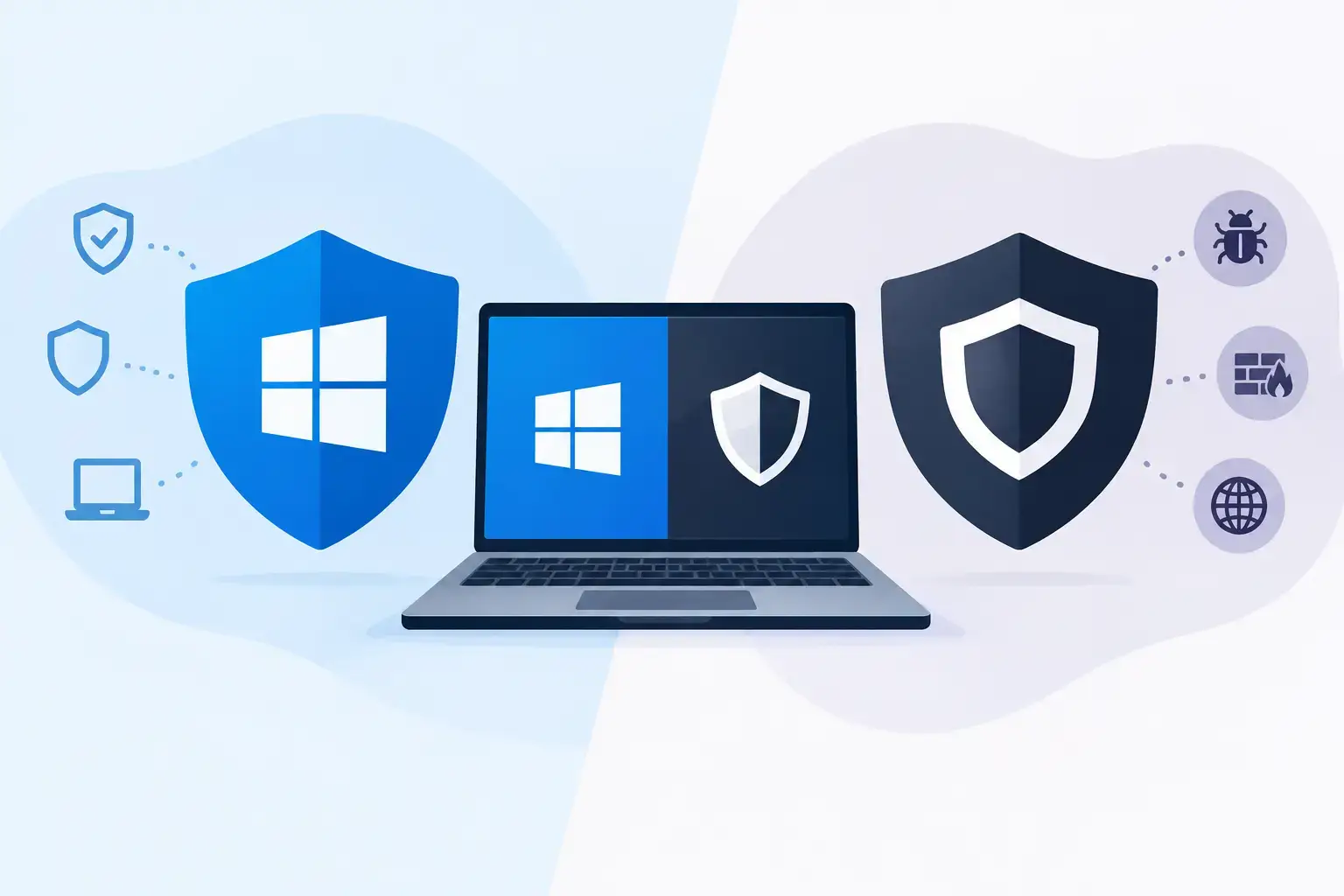
A suspicious email lands in an employee’s inbox at 8:07 a.m. By 8:12, someone has opened the attachment. The real question is not which security logo is installed on the laptop. It is whether your business can detect the activity, contain it quickly, and keep everyone else working. That is the practical decision behind Microsoft Defender versus third party antivirus for small and midsize businesses.
For many Florida businesses, Microsoft Defender is already present on every Windows device. That makes it tempting to treat endpoint security as checked off the list. But the built-in antivirus experience, a properly managed Microsoft security platform, and a standalone third-party antivirus product are three very different things.
Microsoft Defender versus third party antivirus: the real comparison
Microsoft Defender Antivirus is built into modern Windows devices and provides baseline protection against known malware, suspicious files, and common threats. For a personal computer that is patched, used carefully, and backed up, it is a meaningful layer of protection.
Business environments need a broader view. Employees work from office Wi-Fi, home networks, job sites, airports, and mobile devices. They access Microsoft 365, cloud applications, shared files, financial data, and customer records. A single compromised identity can cause more damage than an infected laptop.
That is why the business comparison should focus less on the antivirus engine alone and more on visibility, response, administration, and how security fits into daily operations. Microsoft Defender for Business or Microsoft Defender for Endpoint can add centralized protection, threat detection, device investigation, attack-surface reduction, and response capabilities that go well beyond the basic Windows antivirus tool.
Third-party antivirus platforms can offer similar protection, and some provide strong advantages in specific environments. The best choice depends on your licenses, devices, compliance obligations, internal expertise, and the people responsible for reviewing alerts when something looks wrong.
Where Microsoft Defender makes sense
For organizations already using Microsoft 365 Business Premium or eligible Microsoft 365 enterprise licensing, Defender can be a practical security choice. It lives in the Microsoft ecosystem, which can reduce tool sprawl and make it easier to connect endpoint protection with identity, email, device management, and conditional access policies.
That integration matters when an employee signs in from an unfamiliar location, downloads a suspicious file, or clicks a phishing link. A mature Microsoft security setup can help connect those events instead of treating each one as an isolated alert. When paired with Microsoft Intune, IT can also verify that devices meet security requirements before accessing company resources.
Defender is especially appealing for businesses that want a consolidated technology stack. Fewer disconnected consoles can mean fewer gaps in ownership. It may also lower incremental licensing costs if your business is already paying for a Microsoft plan that includes endpoint protection.
There is a major condition: Defender must be configured and monitored. Leaving the default Windows antivirus active is not the same as running a managed endpoint detection and response program. Security policies, exclusions, alert settings, device enrollment, patching, access controls, and incident response procedures all affect the result.
A construction firm, for example, may have laptops that move between offices and project sites. An accounting office may process sensitive client records under tight deadlines. In either case, a security alert that sits unread for hours is not a useful control, no matter which software generated it.
When third-party antivirus may be the better fit
Third-party antivirus and endpoint security vendors remain a valid choice, particularly when their platform better supports your business requirements. Some organizations rely on specialized software, older operating systems, mixed Mac and Windows fleets, or industry-specific tools that require tested compatibility. Others have contractual or compliance requirements that point to a particular vendor or reporting format.
A third-party platform can also be the better operational fit when your team already has established processes around it. Switching security tools simply because Defender is included can create disruption without improving protection. The question is whether your current product is managed effectively, updated consistently, and supported by people who can act on its alerts.
There are also meaningful differences between vendors. Some emphasize simplified dashboards and automated remediation. Others provide managed detection and response services, deeper forensic data, or specialized controls for larger environments. Those features can be valuable, but they should be measured against actual risk rather than purchased because a feature list looks longer.
Cost deserves the same discipline. A low per-device price can become expensive when it requires separate tools for email protection, identity security, mobile devices, encryption, vulnerability management, and reporting. Conversely, an all-in-one Microsoft approach can become difficult to manage if no one has the time or expertise to operate it.
Antivirus alone does not stop most business disruptions
Antivirus is one layer of a larger security program. It cannot solve weak passwords, unpatched software, exposed remote access, poor backup practices, or a rushed employee approving a fraudulent payment request. Those are common paths into small and midsize businesses.
A practical security program combines endpoint protection with controls that reduce the chance of an incident and limit the damage when one occurs. For most growing organizations, that includes:
- Multi-factor authentication for Microsoft 365, financial systems, remote access, and other critical applications
- Email filtering and phishing protection to reduce malicious links, attachments, and impersonation attempts
- Patch management for Windows, browsers, applications, servers, firewalls, and network equipment
- Tested backups that are separated from daily production systems and can be restored when needed
- Security awareness training that gives employees clear ways to recognize and report suspicious activity
- Active monitoring and a documented response process for high-risk security alerts
These controls work together. If antivirus misses a new threat, email security may block delivery. If a user enters credentials on a fake website, multi-factor authentication may prevent account takeover. If ransomware reaches a device, network segmentation and tested backups can keep a single incident from becoming a business-wide outage.
Questions to ask before choosing a platform
Start with licensing. Many businesses pay for Microsoft security capabilities without realizing what is included or how to turn them on properly. Review your Microsoft 365 plan, current endpoint product, device count, operating systems, and who is responsible for administration.
Next, look at your response capacity. Who receives a high-severity alert at night? Who can isolate a compromised device, reset accounts, review Microsoft 365 sign-in activity, and communicate with staff? If the answer is unclear, the gap is not the brand of antivirus. It is the lack of an accountable security process.
Then consider the consequences of downtime. A law firm unable to access case files, a manufacturer with a stalled production system, or a healthcare practice facing a patient-data incident has more at stake than a generic malware score. Your security choice should reflect the systems that must remain available, the data you must protect, and the recovery time your operation can tolerate.
Finally, avoid duplicate tools without a reason. Running two endpoint security products side by side can create performance problems, conflicting scans, and confusing alerts. A planned transition with testing, documentation, and a clear ownership model is safer than installing another agent and hoping for better results.
The best option is the one your business can operate well
Microsoft Defender is no longer just a basic free antivirus option when it is deployed as part of the right Microsoft security stack. For many small and midsize businesses, it can provide strong protection and useful integration with Microsoft 365, Intune, identity controls, and email security.
Third-party antivirus can still be the right answer when it better meets compatibility needs, compliance requirements, established workflows, or a specific managed detection and response model. Neither option removes the need for human oversight, tested recovery, and clear ownership when an alert becomes an incident.
IGTech365 helps businesses evaluate the full picture: the licenses you already own, the devices you need to protect, the gaps attackers could use, and the response plan your team can rely on. A focused IT health check can turn an uncertain security decision into a clear plan for fewer disruptions, protected data, and a team that knows who to call when something does not look right.