
A new office can look ready on move-in day and still fail its team by 8:15 a.m. Wi-Fi drops in the conference room, a desk phone will not register, a camera is offline, and the printer keeps disappearing from the network. These problems often trace back to one overlooked foundation: low voltage cabling for offices.
Cabling is not the most visible part of an office buildout, but it affects nearly every system employees rely on. A well-planned cabling installation gives your network, phones, wireless access points, cameras, access control, and conference technology a dependable physical backbone. A rushed installation creates a tangle of patch cords, mystery ports, weak coverage, and expensive rework when the business grows.
For growing Florida businesses, the goal is not simply to pull cable through walls. The goal is to build an office that works on day one, stays manageable after the furniture moves, and can adapt without disrupting operations.
Why Low Voltage Cabling for Offices Matters
Low voltage cabling carries data, voice, video, and control signals rather than standard electrical power. In a typical office, that includes Ethernet cabling for computers and Wi-Fi access points, connections for VoIP phones, camera systems, door access controls, audio-visual equipment, and other connected devices.
When this infrastructure is planned correctly, employees rarely think about it. They connect to Wi-Fi, join a client meeting, use a cloud application, and answer calls without wondering whether the network can keep up. That is exactly the outcome a business should expect.
When it is planned poorly, the symptoms show up in everyday work. Conference rooms have dead zones. Staff use temporary cables across walkways because the right ports were never installed. Network switches become crowded and unlabeled. A simple desk move turns into an urgent service call because no one knows where a cable runs or whether it was tested.
The cost is not limited to repair work. Downtime affects client service, payroll, scheduling, production, and the confidence employees have in the tools they need to do their jobs.
Start With How Your Office Operates
The right cabling design depends on more than square footage. A law firm with confidential client files, a medical practice with HIPAA requirements, a construction company coordinating field crews, and a manufacturing office supporting industrial equipment all use their networks differently.
Before installation begins, map out how the space will actually function. Consider where teams sit, which rooms host client meetings, where printers and shared devices belong, and whether certain areas need cameras or controlled entry. Plan for the network closet, too. It needs appropriate power, ventilation, rack space, and a clear path for incoming internet service.
This is also the time to account for growth. If a 20-person office expects to add staff or convert private offices into workstations, install capacity now. Adding extra cable runs during construction is generally far less disruptive and less expensive than opening finished walls later.
A practical design does not mean placing ports everywhere without a purpose. It means placing enough of them in the right locations and leaving room for change. The best plan balances upfront cost with the cost and inconvenience of future modifications.
Choose the Right Cable Category and Pathways
For most modern office networks, Cat6 cabling is a sensible baseline. It supports Gigabit Ethernet and is suitable for many environments where devices need reliable wired connectivity. Cat6A may be the better choice for organizations that need 10 Gigabit performance over longer distances, operate data-heavy systems, or want additional headroom for future needs.
The best choice depends on the building layout, network equipment, expected bandwidth, and budget. Installing a higher category cable does not automatically improve performance if the switches, wireless access points, firewall, or internet connection cannot support it. Still, underspecifying the cabling can limit options later because cable is the hardest component to replace after an office is occupied.
Pathways matter as much as cable type. Cables should be routed through appropriate conduits, trays, raceways, or ceiling pathways and kept organized away from electrical interference risks. They should not be stretched tightly, bent beyond specification, or left in unsupported bundles above ceiling tiles.
Good physical workmanship is not cosmetic. It protects signal quality, makes maintenance safer, and reduces the chance that a future contractor accidentally disconnects a critical line.
Do not treat Wi-Fi as a replacement for wiring
Wireless is essential, but it still depends on wired infrastructure. Every business-grade wireless access point needs a network connection, and many receive power through that same Ethernet cable using Power over Ethernet, or PoE.
The same applies to many VoIP phones, security cameras, door readers, and other smart office devices. A properly designed wired network gives these devices stable connections and allows them to be centrally managed. Wi-Fi should extend mobility, not carry workloads that belong on reliable wired connections.
Build a Network Closet That Is Easy to Manage
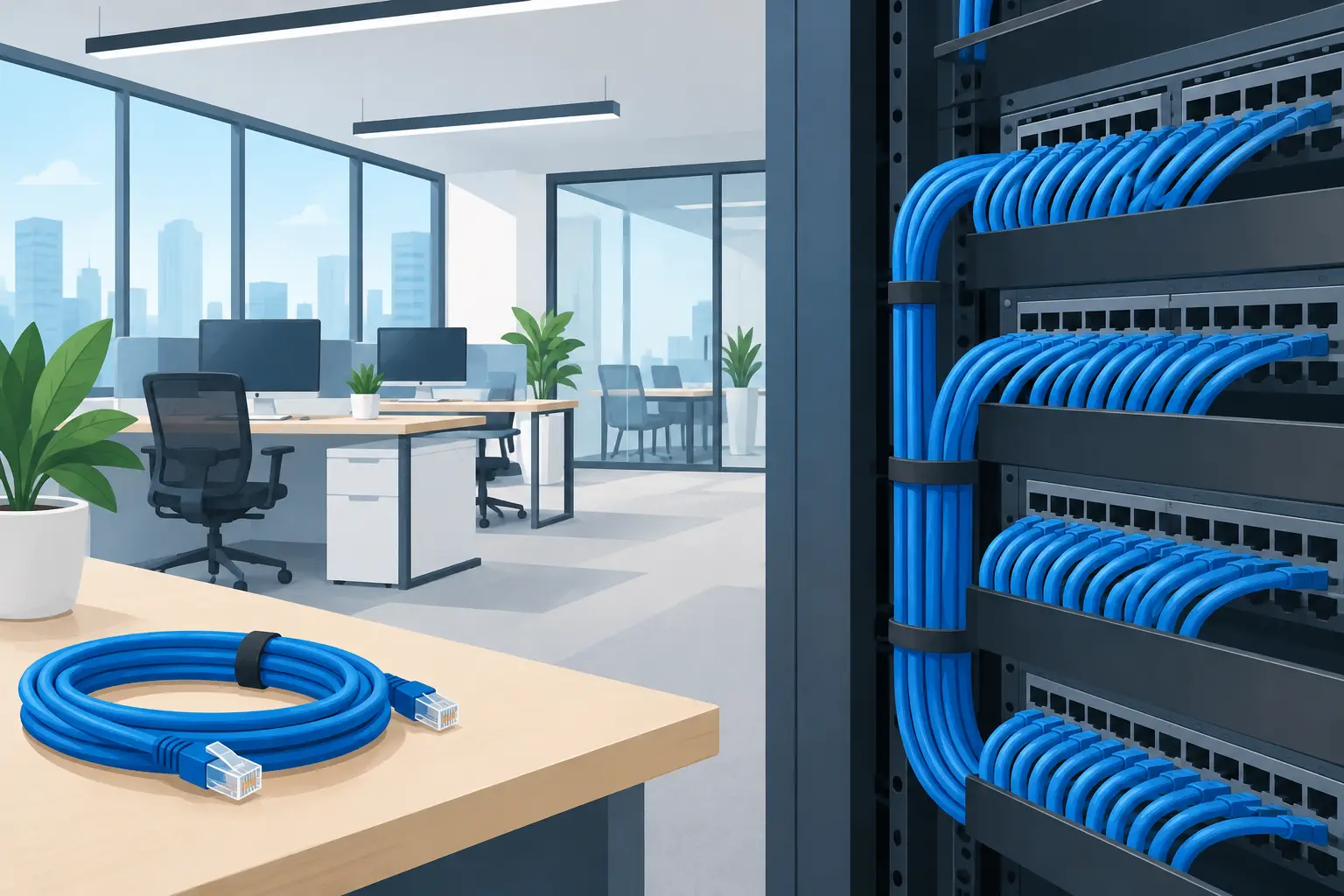
The network closet is where a clean installation proves its value. This is where structured cabling terminates on patch panels and connects to network switches, firewalls, and internet equipment. It should be orderly enough that a qualified technician can identify a connection quickly without unplugging devices to guess what they serve.
Every cable should be labeled at both ends. Patch panels, switches, faceplates, and ports should follow a consistent naming system. Documentation should show each outlet location, the corresponding patch-panel port, the device or area it supports, and any special notes.
That documentation pays for itself when an employee changes desks, a camera stops responding, or a provider needs to troubleshoot an internet circuit. Instead of spending an hour tracing cables, your team can act on accurate information.
Businesses should also plan for power protection and heat management. Network equipment generates heat, and a closet that is too small or poorly ventilated can shorten equipment life and contribute to outages. A battery backup can help protect against brief power interruptions, but it must be sized around the equipment and desired runtime, not chosen as an afterthought.
Security Begins at the Physical Layer
Cybersecurity conversations often focus on passwords, phishing, Microsoft 365, endpoint protection, and backups. Those controls matter, but physical connectivity deserves attention as well.
An open, unmonitored network jack in a public lobby can create unnecessary exposure. Cameras, access-control panels, and network racks need protected locations. Cabling for guest Wi-Fi, employee devices, and sensitive systems should support a network design that separates traffic rather than placing everything on one flat network.
For organizations handling regulated or sensitive information, cabling work should be coordinated with the wider technology plan. Healthcare practices may need physical safeguards that support HIPAA requirements. Financial and legal organizations may need tighter control over server rooms and records areas. The cable itself is only one piece, but it enables the network segmentation, monitoring, and access policies behind stronger security.
Avoid the Shortcuts That Create Expensive Problems
The most common cabling mistakes are rarely dramatic. They are small shortcuts repeated across an office: using unlabeled cables, running temporary cords as permanent infrastructure, choosing too few drops, skipping certification tests, or letting several vendors make changes without updating documentation.
Another mistake is treating the cabling contractor, internet provider, security vendor, and IT team as separate groups with no shared plan. One vendor installs cameras, another installs Wi-Fi, and another moves network equipment. When something fails, each party can point elsewhere.
A single accountable technology partner helps prevent that gap. IGTech365 can coordinate low-voltage cabling with the network design, Wi-Fi coverage, VoIP deployment, cybersecurity controls, and ongoing IT support that keep the office running after installation is complete.
Test, Certify, and Document Before Move-In
Before furniture, employees, and deadlines fill the office, every installed cable should be tested and certified to the required standard. Testing confirms that each run is wired correctly and capable of supporting its intended performance. It also identifies issues that are much easier to correct before ceilings are closed or offices are occupied.
The final handoff should include clear labeling and current documentation, not just a promise that the connections work. Ask for test results, cable maps, rack layouts, and an explanation of how the network is organized. If your internal team or managed IT provider will support the environment, they should have this information from the start.
A thoughtful cabling project is quiet infrastructure with a loud business impact. It prevents avoidable disruption, supports secure growth, and gives your team the dependable foundation they need to work without chasing connection problems. Before your next office move, renovation, or expansion, make the cabling plan part of the business plan – not a last-minute line item.