
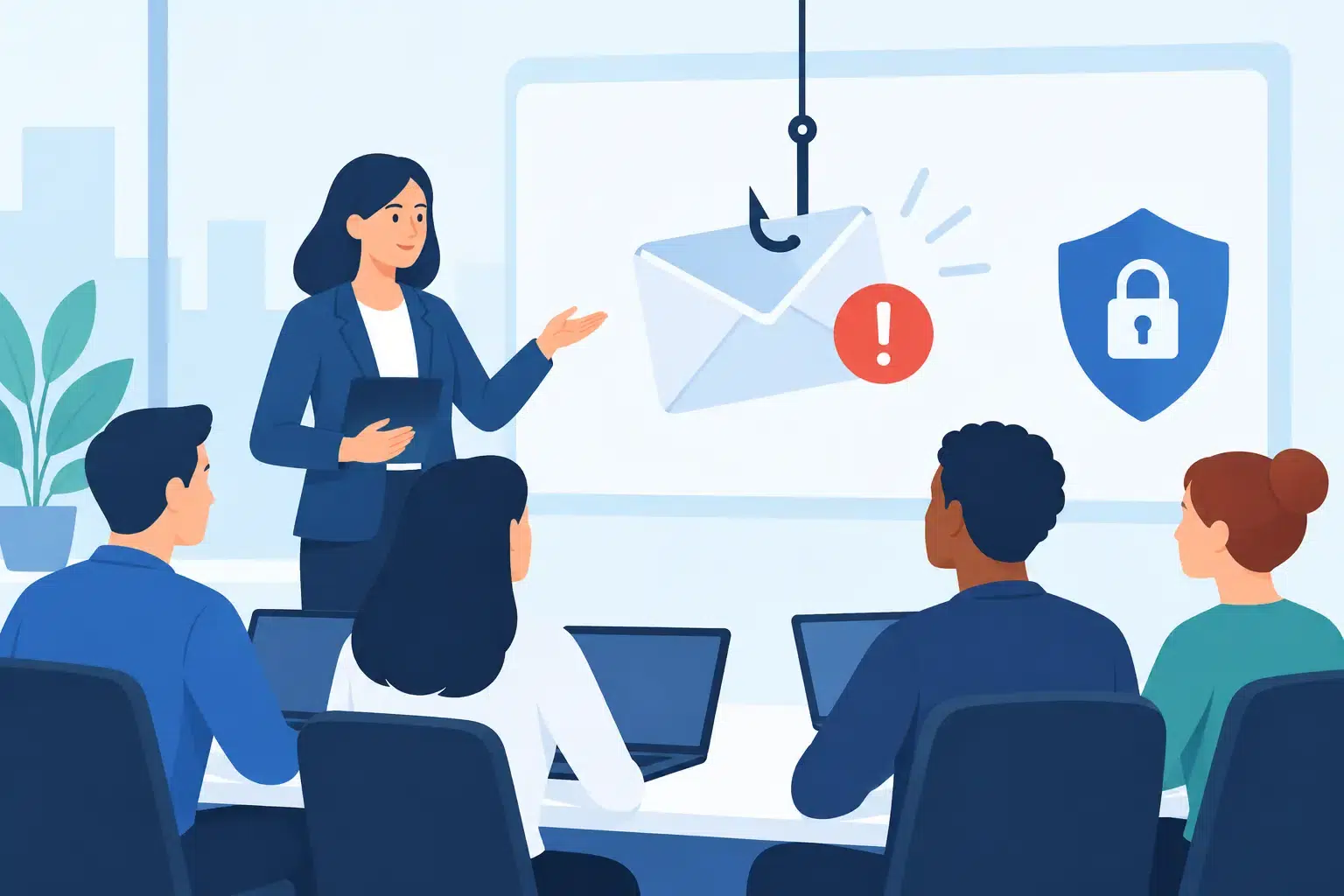
A fraudulent invoice can arrive at 8:12 a.m., look like it came from a trusted vendor, and reach the employee who is trying to clear a full inbox before a client meeting. That is why phishing awareness training for employees is not a once-a-year compliance task. It is a practical control that helps your team pause, recognize a suspicious request, and get help before a simple click becomes a business interruption.
For small and midsize businesses, the consequences are rarely limited to one inbox. A stolen Microsoft 365 password can expose financial records, client information, payroll data, and internal conversations. It can also give an attacker a convincing starting point for wire fraud, ransomware, or phishing messages sent from a real employee account.
Why phishing still gets through
Most phishing attempts are not obvious messages full of spelling mistakes and strange graphics. Criminals now copy vendor logos, use familiar names, reference real projects, and send messages at the exact moment an employee expects to receive them. Construction firms may see fake change orders. Accounting teams may receive a request to update banking details. Healthcare staff may be prompted to review a shared document. Law firms may receive what appears to be a secure file from a client.
The attacker does not need every employee to make a mistake. They need one person to be rushed, distracted, or trying to be helpful.
Technology matters here. Email filtering, multifactor authentication, Microsoft 365 security settings, endpoint protection, and conditional access can stop many threats before they reach a user. But no security tool catches every message, especially when an attacker uses a legitimate compromised account or creates a believable request for payment. Employees remain an essential part of the defense.
What effective phishing awareness training for employees looks like
Good training does not turn people into cybersecurity specialists. It gives them clear, repeatable actions for the moments that matter most. Employees should understand how to spot warning signs, how to verify a request, and exactly where to report a suspicious message.
The most useful programs are short, recurring, and relevant to the work people actually do. A single annual presentation may satisfy a requirement, but it rarely changes behavior six months later. Monthly or quarterly training keeps the topic familiar without pulling teams away from billable work or customer service for long stretches.
Training should also use examples that feel credible. If your finance team processes invoices, show them a realistic invoice fraud scenario. If your executives receive sensitive requests by email, include business email compromise examples. If employees use Microsoft 365 and shared files every day, demonstrate the difference between a legitimate sharing notification and a malicious login page.
Teach employees to slow down at the right moments
The goal is not to make every employee suspicious of every email. That would slow work down and create unnecessary friction. The goal is to establish a pause point for high-risk actions.
Employees should stop and verify when an email asks them to enter credentials, open an unexpected attachment, change payment information, buy gift cards, send sensitive data, or bypass a normal approval process. Urgency, secrecy, and authority are common pressure tactics. A message that says, “I need this completed before the meeting” is not proof that the request is legitimate.
Verification should happen through a known method, not by replying to the suspicious message or calling a number included in it. That may mean contacting a vendor using a number already on file, starting a fresh Teams message, or confirming a request in person. For a payment change, a second approval and an out-of-band confirmation should be standard practice.
Make reporting simple and blame-free
A reporting process only works if people use it. Employees need one simple instruction: if something feels off, report it right away. They should not have to decide whether a message is dangerous before asking for help.
A dedicated report-phishing button in the email platform is ideal, but a clearly communicated helpdesk address or phone number can also work. What matters is that the report reaches someone who can review the message, remove similar emails from other inboxes, and check whether anyone interacted with it.
The tone from leadership matters. If an employee fears embarrassment or discipline for reporting a suspicious email, they may stay quiet. That delay can give an attacker time to access more accounts or send messages from a compromised mailbox. Treat reports as useful intelligence, not a failure.
Simulated phishing tests should coach, not shame
Phishing simulations can show whether training is reaching people, but they need to be handled carefully. A simulation that humiliates employees or tries to trick them with unrealistic scenarios can damage trust. The purpose is to identify where additional guidance is needed and improve response habits.
A good simulation program varies the scenarios over time and tracks more than click rates. Are employees reporting messages? Are repeat issues decreasing? Do certain departments need training tied to their workflows? A team that reports a simulated phishing email quickly may be demonstrating stronger security awareness than a team with no clicks and no reports.
There is also a balance to strike. Testing too frequently can cause alert fatigue. Testing too rarely provides little useful information. The right schedule depends on your organization’s risk profile, industry requirements, and the volume of sensitive work your employees handle.
Pair training with controls that limit damage
Training is necessary, but it should never be the only protection. People are human, and a busy employee can still make a poor decision on a difficult day. Your IT environment should reduce the impact when that happens.
At a minimum, businesses should use multifactor authentication for email and cloud applications, maintain strong password practices, and restrict administrative access. Email security tools should inspect malicious links and attachments. Microsoft 365 should be configured with security policies appropriate to the business, and device protection should help detect suspicious activity after a user clicks.
Financial controls are equally important. No training program can replace a written process for wire transfers, payroll changes, or vendor banking updates. Require verification through a known contact channel and separate approval for significant transactions. Those steps may add a few minutes to a request, but they can prevent a loss that takes months to recover from.
For organizations subject to HIPAA, contractual security requirements, or client data obligations, documented training and testing can also support compliance efforts. Still, checking a compliance box is not the objective. The objective is keeping patient information, client records, and daily operations protected.
Measure behavior, not attendance
A training completion report is useful, but it does not tell you whether employees know what to do under pressure. Look for practical signs of progress: more suspicious emails reported, faster reporting, fewer repeat simulation failures, and fewer risky behaviors such as sharing passwords or approving unexpected login prompts.
Leaders should also ask whether the process is easy enough to follow. If employees do not know who to call after clicking a bad link, the company has a response gap. If a report sits unanswered for hours, employees may stop reporting. Clear procedures and responsive technical support turn awareness into action.
For Florida businesses without a full internal security team, an IT partner can help manage the ongoing work: configuring email protections, running relevant training, reviewing suspicious messages, and responding quickly when an account may be compromised. IGTech365 helps businesses bring those moving parts under one accountable team, rather than leaving employees to manage threats alone.
Turn a quick report into a faster recovery
The best time to prepare for a phishing incident is before someone clicks. Employees should know to report the message immediately, avoid entering more information, and contact the helpdesk if they submitted credentials or opened an attachment. The IT team can then reset passwords, revoke active sessions, review mailbox rules, check sign-in activity, and contain the issue before it spreads.
A well-trained employee is not the person who never receives a convincing phishing email. It is the person who recognizes the pressure, pauses for verification, and reports the concern fast enough for the business to stay in control.