
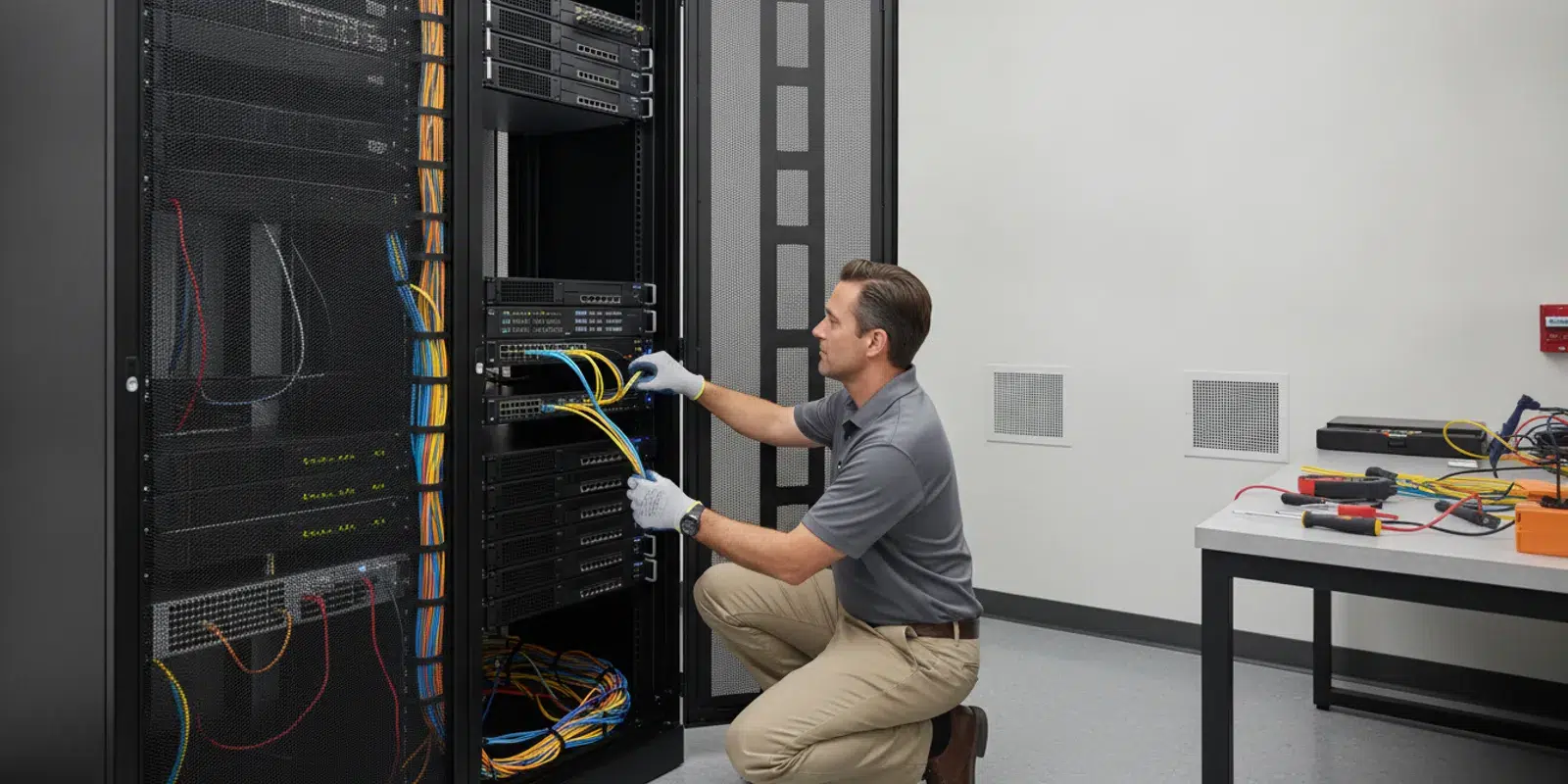
As a business grows, its servers often take on more work: storing shared files, running business applications, managing user access, or supporting remote employees. Server management is the ongoing work that keeps those systems available, secure, maintained, and recoverable. Knowing what it includes helps you spot gaps before they interrupt daily work.
Discuss server management for your business
What does server management include?
Server management is not a single task or product. It is a set of recurring operational practices for physical servers, virtual machines, and cloud-hosted systems. The exact scope depends on what the server does, who relies on it, and how the business plans to recover if it fails. A server hosting a line-of-business application deserves a different priority from a test machine used once a month, but both need an owner and a plan.
A complete management plan commonly addresses:
- Monitoring and availability: Checking server health, storage capacity, key services, and signs of performance or hardware trouble.
- Updates and maintenance: Reviewing and applying operating system and application updates, with testing and scheduling suited to business needs.
- Security: Limiting access, maintaining protective controls, reviewing configurations, and responding to alerts.
- Backup and recovery: Protecting important data and settings, and confirming the organization can restore them.
- Performance and capacity: Tracking resource use and planning for growth rather than waiting for a system to run out of space.
- Documentation and planning: Recording system roles, dependencies, ownership, and recovery steps.
These responsibilities overlap. An update can improve security but affect an application. A backup can exist but still fail to restore a needed service. Management means coordinating the pieces and checking that the intended result works. It also means knowing who approves a disruptive change and how staff will be told about it.
Which server tasks need ongoing attention?
Monitoring and routine checks
Monitoring helps teams identify warning signs such as low disk space, failed services, unusual resource use, or a device that has stopped reporting. It is useful only when someone reviews alerts, decides what matters, and follows through. A notification without an owner or response process does not keep a server healthy.
Routine checks should confirm that essential services are running and that logs or alerts are not showing recurring errors. The frequency depends on the server’s role and business impact. A file server used throughout the workday may need closer attention than a test system. Review trends, not just snapshots: a disk with free space today may still be filling at a pace that requires action next month.
Updates, patches, and change control
Servers need planned maintenance for operating systems, firmware, and applications. Before changes, identify what depends on the server, confirm a recovery option, and choose a maintenance window that limits disruption. After changes, check that services and connected applications still work.
There is no universal schedule for every organization. Urgent security updates may call for faster action, while complex application environments may require compatibility checks. Track what is pending, assess risk, schedule work, and record the outcome. If an update must be delayed, document why, who accepted the risk, and when the decision will be reviewed rather than leaving it indefinitely postponed.
Access and configuration
Server access should be limited to people and services that need it. Review administrator accounts, remove access that is no longer required, and use individual accounts where practical so actions can be traced. Document important configuration choices and avoid obsolete services or default settings. Include access review when employees change roles or leave.
Security practices should fit the system and its exposure. For broader guidance on reducing cyber risk, see the Cybersecurity and Infrastructure Security Agency. Use general guidance as a starting point for a system-specific review, not as a substitute for understanding your own applications and responsibilities.
Backups and recovery readiness
Backups are a core part of server management, but the presence of a backup job alone is not proof that recovery will work. Determine what data and system configurations must be protected, how often copies should be made, who checks failures, and how long the business can tolerate being without a service.
Test restoration, not just backup completion. A recovery exercise can reveal missing credentials, undocumented dependencies, or a restore process that takes longer than expected. For example, restoring a database without the application configuration or access it needs may not return the business service to operation. Consider how server protection fits with backup and disaster recovery planning.
How should you choose a management approach?
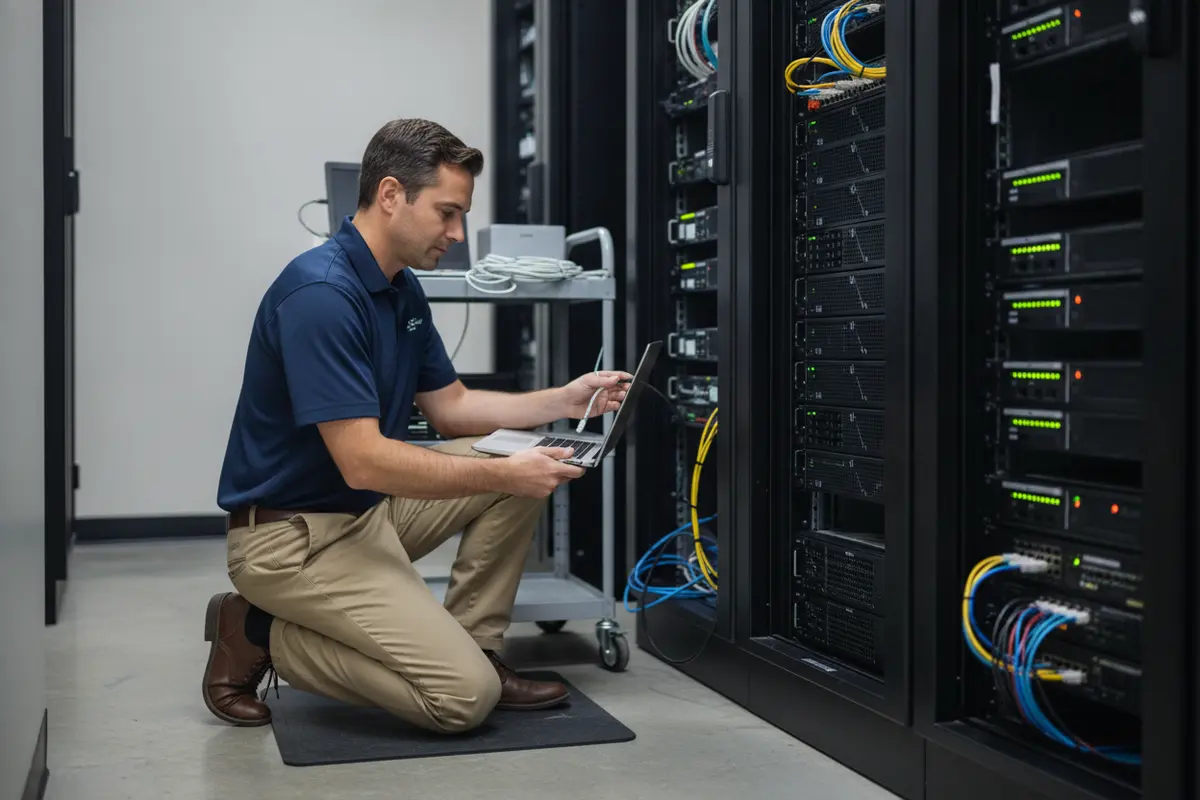
A growing business may handle server work internally, use a managed provider, or combine internal ownership with outside support. Compare approaches by responsibility and coverage rather than assuming one model fits every company.
| Approach | Who handles routine work? | What to clarify |
|---|---|---|
| Internal IT | Employees manage monitoring, maintenance, security, and recovery tasks. | Who covers absences, after-hours issues, specialized skills, and documentation? |
| Managed service provider | An external provider handles agreed responsibilities under a defined service scope. | Which servers and tasks are included, how are urgent issues escalated, and what remains with the business? |
| Co-managed support | Internal staff and an outside provider divide responsibilities. | Who owns each task, how are handoffs made, and where is the authoritative system record? |
Whichever model you choose, put the division of work in writing. Ask who monitors alerts, approves maintenance, manages access, validates backups, and coordinates recovery. Clarify how incidents are reported and who communicates business impact. A provider’s service description should distinguish recurring operations from project work and identify systems outside its scope.
For broader IT responsibilities, managed IT services can include help desk support, monitoring, and other agreed technology operations. A co-managed IT arrangement may be relevant when an internal team wants outside expertise while retaining defined responsibilities.
What should you assess before expanding?
Growth changes server needs. More employees may mean more accounts and concurrent use. New applications may add storage, processing, or integration requirements. A second office or remote workforce may change how systems are accessed. Before buying equipment or moving workloads, take an inventory and connect technical choices to business requirements.
- List your systems. Record physical and virtual servers, cloud services, operating systems, applications, owners, and business functions.
- Identify dependencies. Note which databases, identity systems, file shares, devices, or vendors each service relies on.
- Rank business impact. Decide which systems are essential, how long each can be unavailable, and what data loss the business can accept.
- Check current capacity. Review storage, processor and memory use, growth trends, and known performance complaints.
- Review protection. Verify update status, access permissions, backup scope, and recent restoration tests.
- Assign ownership. Name the person or team responsible for each recurring task and escalation.
- Plan the next change. Set a maintenance or capacity plan, including communication and rollback or recovery steps.
Keep the assessment practical. If nobody can say which server hosts a critical application or when its recovery was last tested, start by documenting and validating that system. If capacity is adequate but updates are overdue, address the maintenance process before purchasing more hardware. Record a baseline so future reviews can distinguish a one-time issue from a worsening trend.
How do cloud servers change the work?
Moving a workload to a cloud platform changes who operates the underlying infrastructure, but it does not remove the need for management. The cloud provider may maintain physical facilities and hardware, while the customer still makes decisions about accounts, configuration, data protection, application updates, and monitoring. Responsibilities vary by service and contract, so identify them explicitly.
For a migration, inventory dependencies and decide how identity, networking, backup, and application support will work after the move. A server that is technically online may still be unusable if staff cannot sign in or an application cannot reach its data. Review cloud migration planning before treating relocation as a simple hardware replacement.
A virtual server still needs capacity planning, patching, access controls, and tested recovery. Virtualization can make some changes easier, but it does not automatically provide a sound backup strategy or guarantee application availability. Before migrating, name the team responsible for each control after cutover, and confirm the new operating model with a realistic test.
What are common server management gaps?
- Alerts go unreviewed. Establish an owner and escalation path for warnings, and periodically check whether thresholds remain useful.
- Updates are postponed indefinitely. Track exceptions and review dates rather than letting temporary deferrals become permanent.
- Backups are assumed to work. Review job failures and perform restore tests for important systems.
- Accounts accumulate. Include access review in onboarding, role changes, and offboarding.
- Knowledge stays with one person. Document system purpose, dependencies, vendor contacts, and recovery instructions.
- Capacity is addressed only after complaints. Watch trends and plan changes before users encounter repeated slowdowns or storage limits.
- Responsibilities are vague. Specify which party does each task, how exceptions are approved, and how the business is notified.
These are often process problems, not just technology problems. A short recurring review can examine open alerts, upcoming maintenance, backup results, access changes, capacity concerns, and unresolved risks with the people responsible. Keep decisions and follow-up owners in one place so an issue does not disappear between meetings.
What should you ask a server management provider?
If you are considering outside support, ask practical questions that reveal how work will happen:
- Which specific systems are covered, and what is excluded?
- How are monitoring alerts reviewed and escalated?
- How are updates tested, scheduled, and documented?
- Who approves changes that could affect business applications?
- What backup responsibilities are included, and how often are restores tested?
- How are administrator access and account changes handled?
- What documentation will the business be able to access?
- How are recurring performance or capacity issues reported and planned for?
Ask for clear examples of routine reporting and incident communication. You should be able to tell what was checked, what needs attention, who owns the next step, and whether a recommended project is outside routine support. If comparing providers, reviewing managed IT support options can help organize the questions you want to ask.
How can you make server management actionable?
Turn the inventory and review into a short operating plan. For each server or workload, record its business owner, technical owner, purpose, dependencies, backup method, maintenance window, and recovery contact. Then identify the next due action, rather than making a broad statement such as “improve security.” A useful action might be to review a named administrator group this week, test one restore next month, or investigate a disk trend before it reaches a capacity limit.
Use a simple scenario to test whether responsibilities are clear. Suppose staff cannot access a shared application on a Monday morning. Who checks whether the server is reachable? Who determines whether the problem is the application, network, or identity system? Who updates affected employees, and who decides whether to restore from backup? If the answers differ depending on whom you ask, write down the escalation path and rehearse it before a real outage.
For a small environment, the plan does not need elaborate paperwork. A current list, a few named owners, and documented recovery steps are more useful than a detailed document nobody maintains. Review the records after a major change, staff departure, new application, or recovery test so they remain trustworthy.
Talk with IGTech365 about your IT support needs
Frequently asked questions
Is server management only for businesses with on-site servers?
No. Physical servers, virtual machines, and cloud-hosted workloads all require defined ownership for maintenance, access, security, monitoring, and recovery. The tasks differ by platform, but responsibility still needs to be clear.
How often should a business review server health?
There is no single interval for every system. Monitoring may run continuously, while people review trends and maintenance plans on a regular schedule suited to business impact. Critical systems generally warrant closer oversight than nonessential test environments.
Does a backup mean the server can be restored?
Not necessarily. A successful job is a useful signal, but restoration tests confirm whether the needed data and configurations can be recovered and whether the process is understood. Include recovery timing and dependencies in the test.
When should a growing business revisit its server plan?
Review it when adding employees, applications, offices, or major workloads, and whenever a recurring slowdown, security concern, or recovery gap appears. Reassess sooner if the business cannot identify system owners or explain how critical services would be restored.
Effective server management connects everyday maintenance to the work your business depends on. Start with an accurate inventory, clear task ownership, and a tested recovery plan, then update them as your systems and teams grow.