

A stalled ERP screen can hold up a production run before machines fail. When orders, inventory, or shipping data stops moving, the technology problem becomes an operations problem.
Schedule a manufacturing IT consultation with IGTech365 to identify technology risks that can disrupt production, ERP access, and shipping schedules.
Managed IT services for manufacturing companies keep production-supporting technology monitored, supported, secured, easier to budget, and aligned with plant schedules. IGTech365 coordinates monitoring, endpoint support, backups, security response, and vendor communication around ERP and MRP workflows. For manufacturers, the goal is practical: stable systems for each shift, reliable operational data, safer endpoints, and planned IT spending.
This advanced operational guide focuses on the plant-level decisions behind reliable support. It is designed for leaders who already understand general IT outsourcing and need to assess production dependencies, ownership boundaries, recovery priorities, and budget planning.
What managed IT services for manufacturing companies should cover
Managed IT services for manufacturing companies should keep production technology stable, supported, secure, and ready for change. The scope runs from daily user issues to plant systems that feed orders, schedules, inventory, and shipping.
For an operations leader, that means one accountable plan for devices, networks, core applications, backup recovery, security response, and planned improvements. IGTech365 describes this operations-focused scope through its specialized manufacturing IT solutions.
Daily systems and user support
Coverage starts with monitoring of workstations, servers, firewalls, wireless links, and key network gear. Alerts need owners and response rules, not a dashboard no one reviews. User support should cover access issues, device failures, printing, email, and shop-floor workstations used during a shift.
Endpoint work also includes patches, device records, standard configurations, and replacement planning. These basics matter because a stalled scanner, shared station, or office PC can delay production information. A provider’s help desk support process should define escalation for shift-critical devices.
Production data and recovery
Manufacturing support cannot stop at laptops and inboxes. It must track plant network paths and servers that support ERP or MRP workflows. When systems exchange schedules, inventory, or order data, IT changes should be planned around production windows. That view helps teams see application trouble before it reaches a production handoff.
Backup coverage should define what is protected, how recovery is tested, and who decides which system is restored first. A provider should also work with application and equipment vendors when an incident crosses several systems. Manufacturers can review backup and disaster recovery planning alongside uptime priorities.
Security and accountable planning
Security belongs in the same operating plan. NIST reports that one in five SMBs reported falling victim to a ransomware attack. For a plant, security work should include alert review, endpoint controls, backups, account access, and an incident response path.
The last layer is accountability: risk reviews, technology budgets, lifecycle plans, and advice tied to production needs. A useful provider does not just close tickets. It tells leaders what may fail next, which fix matters first, and how each decision affects plant operations.
How does proactive monitoring reduce production disruption?
Early warnings on shop-floor endpoints
Production work rarely stops at the machine itself. Operators depend on workstations, barcode scanners, label printers, and shared terminals to release jobs and record output. Proactive monitoring looks for device health warnings and repeat connection failures before they become a shift-wide interruption.
Useful alerts include low disk space on a label-printing station, scanner disconnects, and switch errors feeding a packing cell. Each alert should name the affected area, current risk, and next safe action. Supervisors can then choose a repair time with IT support.
That approach follows the same logic as planned equipment care. A manufacturing maintenance study found less unplanned downtime in groups that relied more on preventive and predictive maintenance. IT monitoring applies that mindset to the digital tools that keep work moving.
Network signals at the point of work
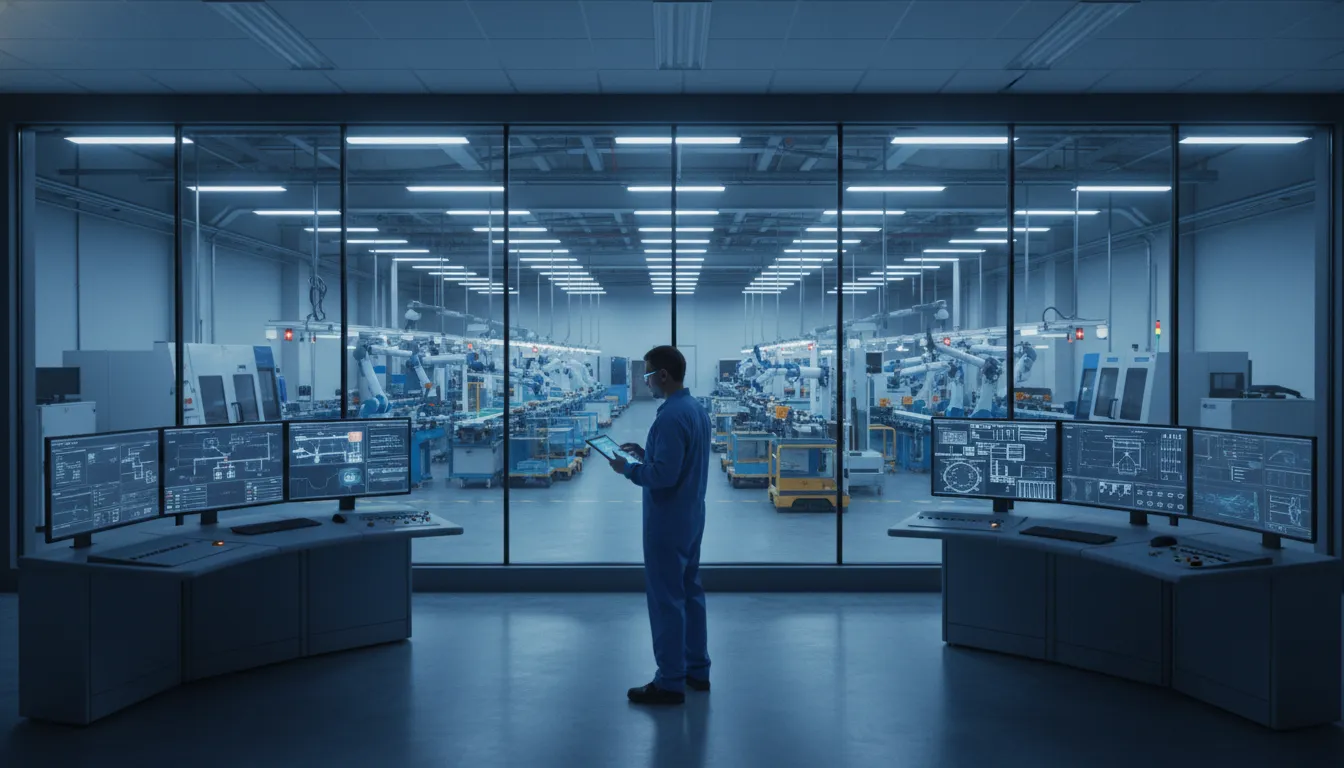
Loading areas and warehouse aisles expose weak network coverage fast. A scanner that drops its wireless link may slow receiving, picking, or shipment checks. Monitoring switch ports and access points can flag unstable connections or device loss. Teams can inspect a weak path before shipments depend on it.
For a plant without a full internal IT team, managed IT services can connect network alerts to production priorities. A dropped scanner signal near a loading door needs different triage than an office printer that is offline.
Maintenance windows and practical triage
Alerts matter only when the response fits the workday. Patches for workstations, switches, and shared applications should be placed around shift changes or planned downtime. This avoids forcing a restart during a run, while keeping routine care on schedule.
A clear ticket process sorts urgent line-impacting faults from routine service work. Operations leads can set rules for scanner outages, unstable warehouse wireless access, and failing workstations. Monitoring reports also reveal repeat tickets, allowing scheduled repair during planned production breaks.
Ask IGTech365 to review production technology risks before a recurring alert becomes an urgent plant interruption.
How managed IT services for manufacturing companies protect ERP reliability
On a plant floor, a production schedule depends on more than a working network. ERP and MRP systems carry orders, materials, work steps, and shipping details from office planning into daily production. Managed IT services for manufacturing companies help keep those connections clear, supported, and easier to recover when a failure interrupts work.
ERP and MRP in daily production
An ERP system is the business record for purchasing, sales orders, inventory, and shipping. An MRP process uses demand, stock, and bill-of-materials data to plan what must be made or bought. If either system is slow or unavailable, supervisors may lose the current view of priorities and materials.
The issue is often at the connection point. A barcode scanner, label printer, shipping tool, or inventory interface may pass data to the ERP. When that link fails, a completed job can wait for a label. A material move may not appear where planners expect it.
Clear ownership across connected systems
ERP reliability is not owned by one vendor alone. The ERP publisher supports its application, while an equipment vendor may support printers, scanners, or controls. A network or cloud vendor may own the service that lets those systems communicate.
A service partner maps those boundaries before an incident grows. That map should note system owners, support contacts, approved changes, backup paths, and escalation order. IGTech365’s IT consulting approach gives leaders a path for planning technology dependencies and priorities.
One path for coordinated remediation
When a label fails to print, staff should not need to guess which help desk to call. One managed service partner can gather the error, check connectivity, confirm device status, and bring in the ERP or printer vendor. Each vendor still fixes the part it owns, but the plant has one coordinator tracking progress.
This approach keeps reliable information moving with the work. With clear ownership, a manufacturer can focus on the next job and material need. Its technology partner coordinates the systems, vendors, and recovery steps behind the scenes.
How should manufacturers manage cybersecurity risk?
Cybersecurity in a plant must protect more than files and email. When a shared login, infected endpoint, or failed restore slows work, risk reaches production schedules and shipments. For that reason, managed IT services for manufacturing companies should tie safeguards to production continuity.
Controlled access and protected endpoints
Start with access: each employee should have the access needed for a role, and no more. Separate accounts make changes easier to trace and reduce reliance on shared passwords. Add multi-factor authentication where supported, with a plan for devices and users that cannot use it.
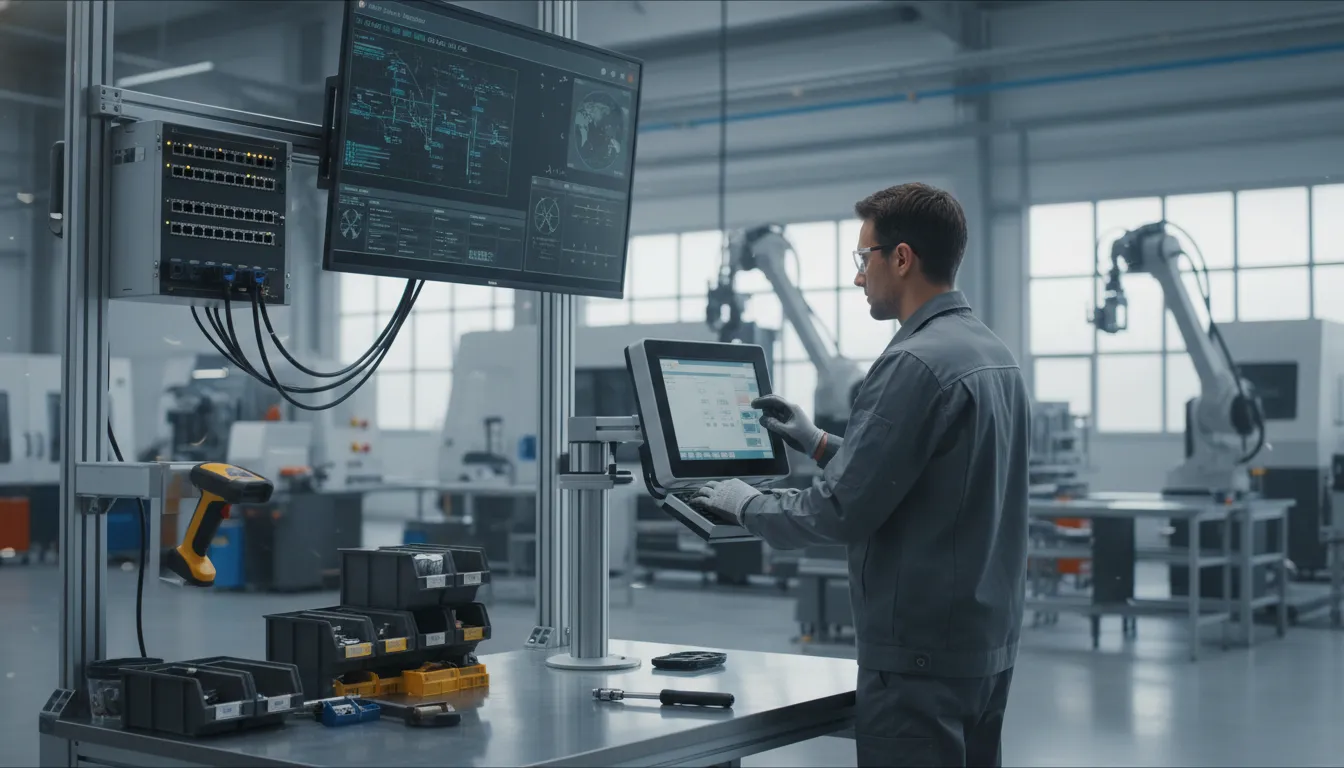
Every supported workstation and server should have managed endpoint protection, timely patching, and alert review. Policies must cover laptops and remote access used by vendors or office staff. IGTech365’s cybersecurity services are relevant when planning these safeguards around daily operations.
- Use named access for employees, administrators, and outside support partners.
- Track endpoint coverage for office systems and computers supporting production workflows.
- Keep a patch and exception record for systems that cannot change during production.
Backups and network boundaries
A factory should plan how to keep essential work moving while systems are checked and restored. Backup plans should state what is copied, where protected copies are kept, and how restores are tested. Recovery priorities should start with systems that support schedules, inventory, shipping, and ERP or MRP workflows.
Network boundaries help keep one issue from becoming a plant-wide event. Map office systems, production-connected assets, guest access, and vendor connections, then define which traffic is needed for work. This review should include older equipment before changes are made.
Response roles and awareness
Security tools cannot replace clear roles. Staff should know how to report a suspicious email, unexpected login prompt, or unusual machine-connected activity. An incident plan should name decision-makers, vendors, recovery owners, and the communication route for operations leaders.
Tabletop reviews can test who approves shutdowns, how vendor access is handled, and when restored systems return to use. The goal is a planned response that keeps production decisions informed.
How do managed IT services create predictable plant IT costs?
Three ways to fund IT support
For a plant leader, predictable IT spending starts with knowing what the support model covers before a fault stops work. The key question is not which option looks cheapest in one month. It is which model gives operations a clear plan for routine support, urgent response, security work, and system upkeep.
Reactive support can seem simple because the plant pays when it calls for help. Yet budgeting is tied to when faults occur and how much work each repair needs. An in-house role may offer daily context, but hiring, coverage, tools, and specialist skills still sit in separate budget lines.
| Budget question. | Reactive break/fix. | In-house IT. | Managed services. |
|---|---|---|---|
| Regular cost basis. | Service events and repair time. | Payroll, tools, and training. | Defined recurring service scope. |
| Planning visibility. | Depends on incident volume. | Clear staffing cost, variable projects. | Covered work set in agreement. |
| After-hours coverage. | Requested when needed. | Requires staffing or outside help. | Set by support terms. |
| Plant fit check. | Limited support needs. | Steady on-site needs. | Defined ongoing coverage. |
What a managed scope should define
Managed services can make routine spending easier to plan when the agreement names covered tasks and response paths. For a manufacturer, the scope may address endpoints, servers, user support, cloud tools, backups, or vendor coordination. The exact mix should match the plant’s systems and operating hours.
A leader comparing models can use this guide alongside IGTech365’s discussion of managed IT services versus break-fix support and its overview of proactive IT maintenance costs.
Questions for a workable budget
Ask what is included each month, what triggers a separate quote, and who manages support during production hours. Also ask how ERP or MRP vendors, network issues, and shop-floor devices enter the support path. These details show whether a cost model fits real plant work.
Managed IT services for manufacturing companies do not guarantee savings. They create a clearer basis for budgeting when services, exclusions, and escalation steps are written down.
What should a manufacturer ask an IT partner?
Plant priorities first
Choosing managed IT services for manufacturing companies starts with the production floor, not a tool list. Ask each partner to explain how support protects ERP access, shipping workflows, and the devices that keep work moving. Use the same questions with every provider so the comparison is grounded in coverage, risk, and cost.
- Which systems must stay available during a shift? Name the ERP or MRP system, label printers, scanners, production PCs, and network links. Ask how dependencies are documented and ranked when a failure can delay orders.
- How will an outage be escalated? Ask who takes ownership after hours, how updates reach operations leaders, and when another vendor joins the call.
- How are security and recovery checked? Request plain answers on endpoint protection, access controls, backup tests, and restore steps.
- What records will your team receive? Look for asset lists, network notes, vendor contacts, change logs, and recovery instructions.
- How will service and budget be reviewed? Ask for recurring reporting on tickets, security alerts, device condition, projects, and upcoming renewals.
Evidence behind the answers
A useful evaluation does not stop at a sales meeting. Ask to see a sample report, an escalation path, a backup test record, and the form of an asset inventory. Ask who joins a review meeting when production, finance, and IT needs compete for budget.
Watch for answers that link technical work to plant decisions. Monitoring should lead to an action plan; documentation should help during an outage; reporting should support the next budget cycle. For teams balancing internal staff and outside help, co-managed IT services may be a useful model to discuss.
Frequently Asked Questions
How do managed IT services help manufacturing companies control costs?
Managed IT services create a planned service budget for defined monitoring, endpoint support, maintenance, and help desk work. Manufacturers can compare the scope against staffing gaps and vendor coordination needs. The practical benefit is better visibility into routine support and escalation, not a promised savings figure.
What role does managed IT play in cybersecurity for manufacturers?
Managed IT providers can maintain endpoint protections, patch supported systems, monitor alerts, review backups, manage access, and coordinate response. This matters because compromised business systems can interrupt production planning and fulfillment. Plans should document priority systems, recovery roles, and vendor access.
How can managed IT services support automation and connected production?
Managed IT services support connected manufacturing by documenting networks, devices, cloud services, and business applications. Providers can coordinate with automation and software vendors while managing access, backups, monitoring, and change planning. This creates a steadier foundation for production reporting and connected workflows.
Ready to schedule a manufacturing IT consultation?
When systems fail unexpectedly, production leaders lose time coordinating fixes instead of managing schedules, output, and customer commitments. A stable technology plan starts with a clear discussion of production needs, risks, and current support challenges.
Schedule a manufacturing IT consultation with IGTech365 to review where managed support could reduce disruption and improve cost planning. Your team can then choose next steps with clearer priorities and fewer rushed choices.