
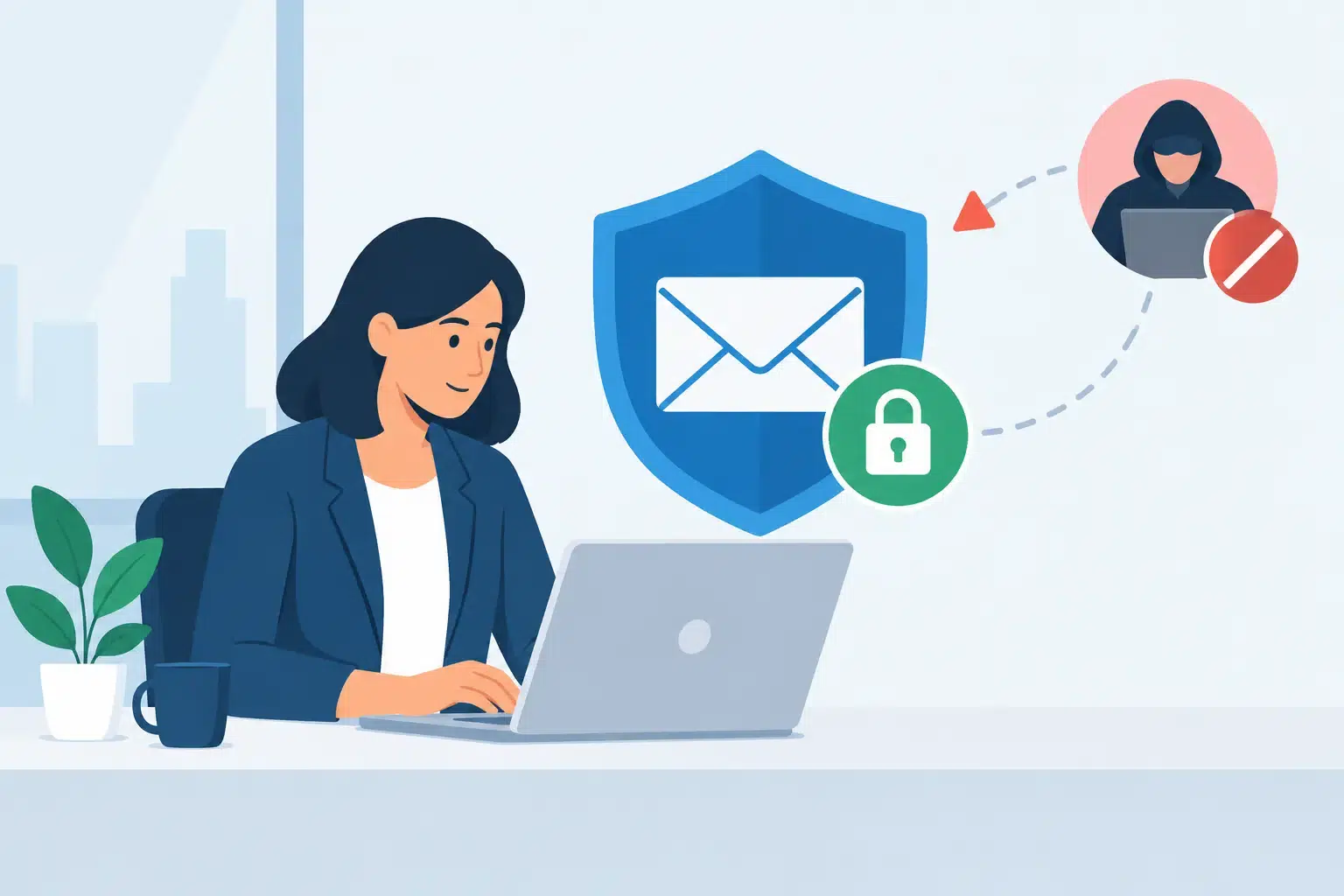
A controller receives an email that appears to come from the CEO: a supplier needs updated bank details before a payment can be released. The request is polite, urgent, and uses the same signature as every other executive email. Ten minutes later, money is headed to a criminal account. No server crashed. No obvious warning appeared. That is why learning how to prevent business email compromise has to go beyond telling employees to be careful.
Business email compromise, often called BEC, is a targeted fraud attempt in which someone impersonates an executive, vendor, customer, employee, or trusted partner to redirect money, steal information, or gain access to an account. It can disrupt payroll, vendor relationships, client trust, and day-to-day operations in a single message.
The good news is that most BEC incidents can be stopped with a combination of clear payment procedures, secured email systems, and employees who know what to do when a request feels slightly off. The goal is not to make work harder. It is to make high-risk actions harder to fake.
How to Prevent Business Email Compromise Before a Payment Moves
The strongest protection is a verification process that does not rely on email alone. A criminal may spoof a domain, compromise a real inbox, or create a near-identical address that looks legitimate at a glance. If your team treats an emailed request as sufficient approval to change bank information or send funds, the attacker only needs to make the message believable.
Create a simple, documented process for any request involving money, payroll, gift cards, wire transfers, vendor bank changes, or sensitive records. For example, a vendor banking change should be confirmed using a phone number already stored in your accounting system, not one included in the email. A request from an executive should be verified through a separate channel, such as a phone call, Teams message, or in-person confirmation.
For high-value payments, use dual approval. The person entering payment information should not be the only person authorized to release it. This can feel slower than a one-person process, especially in a busy office, but the few extra minutes are far less costly than recovering a fraudulent wire transfer.
Your policy should make these rules clear:
- Never change payment instructions based solely on an email.
- Verify unusual requests through a known, independent contact method.
- Require two authorized people for significant payments or account changes.
- Treat urgency, secrecy, and pressure to bypass normal procedures as fraud indicators.
- Document who verified the request and how it was confirmed.
A good process also gives employees permission to pause. Staff should never feel they will be blamed for delaying a payment while they verify a suspicious request. That one cultural change can prevent a costly mistake.
Secure the Email Accounts Attackers Want
Many BEC attacks do not involve a fake sender address at all. The attacker gets into a legitimate Microsoft 365 account, watches email conversations, learns how the company communicates, and sends a request from the real mailbox at the right moment. This is often called account takeover.
Multi-factor authentication is the baseline defense. Every email account should require more than a password, particularly executives, finance staff, human resources, and anyone with access to banking, payroll, or customer data. App-based authentication or security keys are generally safer than text-message codes, though the right option depends on your team, devices, and operational needs.
Password discipline still matters. Employees should use unique, long passwords stored in an approved password manager. Shared credentials create unnecessary exposure and make it difficult to determine who accessed an account. When someone leaves the company or changes roles, access must be removed or adjusted promptly.
Microsoft 365 security settings also need active management. Conditional access policies can restrict sign-ins that come from unexpected countries, unmanaged devices, or suspicious locations. Microsoft Defender can help identify malicious links, impersonation attempts, and unusual activity before a message reaches the inbox. The exact configuration should reflect how your staff works. A construction company with project managers in the field needs a different access approach than an accounting office working primarily from one location.
Make Impersonation Easier to Spot
Criminals depend on small details being overlooked. The sender might use ceo@company.co instead of ceo@company.com. They may reply inside an existing email thread after taking over a vendor’s account. They may use a real executive’s name while sending from a free email address.
Train employees to look past the display name and inspect the full sender address. They should be skeptical of messages requesting payment, credentials, employee tax records, direct deposit changes, or confidential files. A request that arrives outside normal business patterns deserves another look, even if the grammar and logo look polished.
Training should use realistic examples from your business environment, not generic slides employees forget by lunchtime. Finance teams need to practice vendor payment scenarios. HR teams need to recognize payroll and tax document requests. Project teams should know how to handle altered invoice instructions from subcontractors or suppliers.
Regular phishing simulations can reinforce those habits, but they should be used as coaching, not a gotcha exercise. The point is to build confident reporting behavior. When an employee reports a suspicious email quickly, IT can investigate whether it is an isolated message or a sign that an account has been compromised.
Watch for Hidden Mailbox Changes
Once inside an inbox, attackers often create forwarding rules that silently send copies of messages to an external address. They may delete alerts, move replies into obscure folders, or create rules that hide payment-related conversations. These changes allow them to stay involved without being noticed.
Your IT team should monitor for unusual mailbox rules, suspicious sign-ins, unexpected forwarding, and changes to multi-factor authentication methods. Audit logs are valuable here, but they only help if someone is reviewing alerts and knows how to respond.
This is where proactive IT management makes a practical difference. A security tool can generate alerts all day. A person still needs to investigate whether an unfamiliar sign-in is a traveling employee, a failed device setup, or an active compromise. Fast human review reduces the time an attacker has to gather information and send fraudulent requests.
Limit the Damage if an Account Is Compromised
Even well-prepared organizations can face a convincing attack. Your response plan should be ready before it is needed. Employees need one clear way to report suspicious emails or suspected account activity, and the people responsible for responding should know their roles.
If an employee believes they clicked a malicious link, entered credentials, or approved a suspicious request, speed matters. The account may need to be secured, sessions revoked, passwords reset, and mailbox rules reviewed. If money has already been sent, contact the bank immediately. In some cases, rapid reporting can improve the chance of stopping or recalling a transfer.
Preserve the suspicious email and related details rather than simply deleting them. Headers, sender information, timestamps, and payment instructions can help identify the scope of the incident. Notify affected vendors or customers through verified channels if their accounts may have been used to target your team.
Backups are essential for many business disruptions, but they do not reverse a fraudulent wire or restore trust after exposed email conversations. BEC prevention requires both technical controls and business procedures because the attacker is targeting a decision, not just a device.
Turn Email Security Into an Operating Habit
The businesses most resistant to BEC do not depend on one tool or one annual training session. They make verification a normal part of handling money and sensitive information. They review access as employees, vendors, and systems change. They test their response process before a real incident forces the issue.
For Florida businesses managing growth, multiple offices, remote users, and Microsoft 365, that consistency can be difficult without a dedicated IT team watching the environment. IGTech365 helps organizations bring email security, identity controls, employee guidance, and incident response under one accountable technology partner.
The next suspicious payment request may look ordinary because it is designed to. Give your team a clear way to slow down, verify independently, and get help quickly. That is how a single email stays a near miss instead of becoming a business emergency.