
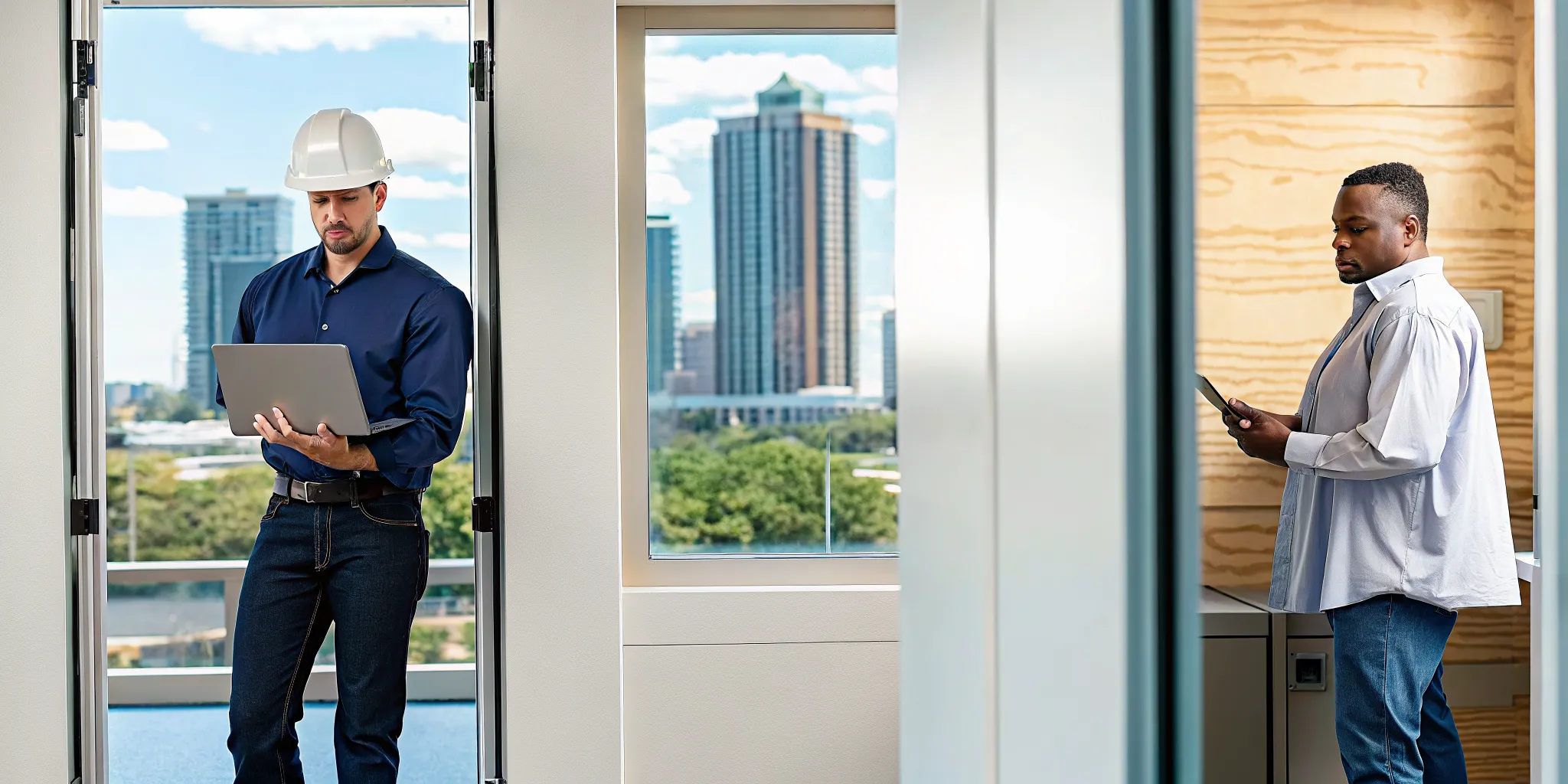
Tampa Bay construction projects live and die by how well field crews and the home office share information. A single gap in that link can stop a pour, delay an inspection, or force a crew to build from an outdated blueprint. Schedule a free IT consultation for your Tampa construction firm to close the gap between field and office before it costs you time and money. Research from IGTech365 and industry benchmarks shows that unplanned downtime costs construction firms up to $9,000 per minute when systems go dark.
Construction IT Services Tampa providers give builders the technology backbone to keep field teams and office staff synchronized through cloud storage, mobile device management, and 24/7 cybersecurity monitoring. These services ensure project managers and crews access the same CAD files, change orders. And safety documents in real time from any job site across the Tampa Bay region.
Construction firms in Tampa and Wesley Chapel face unique pressure because projects are spread across multiple sites while the home office manages bids. Compliance, and payroll from a central location. When those two worlds lose sync, the result is rework, missed deadlines, and eroded margins. This article breaks down the specific IT challenges Tampa builders face and how the right technology partner solves them.
Construction It Services Tampa: Common IT Challenges Tampa Construction Firms Face?
Tampa construction firms often operate with disconnected tools between field and office, unreliable internet at remote job sites, and outdated security that leaves project data exposed to ransomware. These gaps create costly delays and safety risks that a specialized IT partner can eliminate.
Construction is one of the fastest-growing segments in Florida’s technology economy. The state’s tech sector expanded 24 percent from 2017 to 2023, and builders in Tampa, Clearwater, and St. Petersburg are adopting digital tools at a rapid clip. But growth exposes cracks in the technology foundation. Many builders run on systems that were adequate when a single office managed ten desktop computers but cannot handle today’s reality of field tablets. Cloud-based BIM models, and mobile crews operating across dozens of active sites.
The split between field and office remains the biggest pain point. Project managers use one set of tools, field superintendents use another, and the accounting team works from a third system entirely. When data does not flow between these silos, the wrong blueprint version reaches the crew, change orders get lost, and material orders arrive at the wrong site. A 2023 Harvard study on construction productivity found that digitization gaps cost the industry billions annually in wasted labor and materials.
Remote job sites add another layer of difficulty. A framing crew working on a new development in Wesley Chapel may have no reliable internet access to sync progress photos or download updated safety documents. Without a robust mobile networking strategy, those field teams operate blind, and the office cannot track daily progress with any accuracy.
Cybersecurity adds a third dimension of risk. Construction firms hold valuable data: project plans, client contracts, payment details, and personally identifiable information for dozens or hundreds of workers. Yet many builders treat IT security as an afterthought. A single ransomware infection can lock every server and field tablet, stopping work across all active projects simultaneously. Industry data from NIST shows that 32 percent of managed service providers report construction and manufacturing as the top targets for ransomware attacks. Proactive defense has become a business necessity rather than a technical option.

How Construction IT Services Improve Field-to-Office Connectivity?
Construction IT Services Tampa providers bridge field and office by deploying secure VPN connections, mobile device management for crew tablets and phones. And cloud collaboration tools that keep every project stakeholder on the same data set regardless of location.
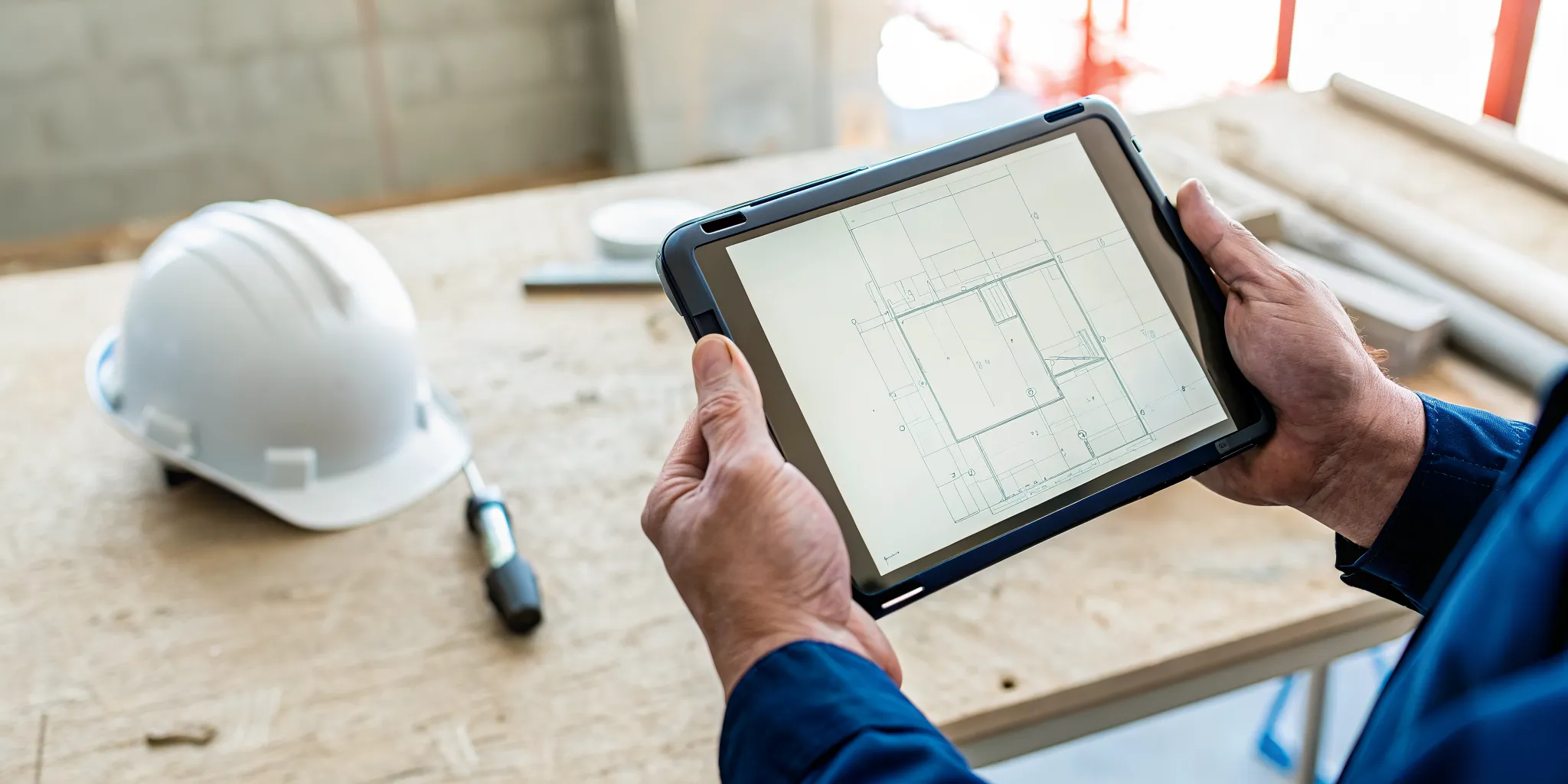
The core function of any construction IT partner is eliminating the lag between what the office knows and what the field sees. This starts with network architecture that treats every job site as an extension of the main office. Secure VPN tunnels allow field trailers to connect directly to company servers and cloud applications. This gives crews the same data access they would have sitting at a desk in Tampa. A superintendent on a job site in Lutz can pull up the latest revision of a structural steel drawing. Mark it up with field observations, and push that markup back to the engineering team in real time.
Mobile device management is the second pillar. Field crews rely on tablets and smartphones for daily tasks: logging hours, photographing progress, submitting RFIs, and receiving safety briefings. A managed IT provider deploys mobile device management software to every field device. This ensures that each one runs current security patches, enforces passcode policies, and can be wiped remotely if a tablet walks off a job site. This protects project data without requiring the crew to think about security.
Cloud collaboration tools form the third layer. Platforms like Microsoft 365 give construction teams a shared workspace where documents, spreadsheets, and project schedules live in one place. When the office updates a change order, that revision appears on every field tablet within seconds. No one builds from an outdated plan, and the project manager can track daily progress without chasing down phone calls or waiting for end-of-day reports. For Tampa builders managing multiple concurrent projects, this synchronization directly reduces rework and keeps margins healthy.
Cybersecurity: What Tampa Builders Need to Know
Construction firms in Tampa face growing ransomware threats because attackers know tight project deadlines make builders more likely to pay ransoms quickly. A cybersecurity plan with 24/7 monitoring, employee training, and automated backups is essential to keep projects running.
Ransomware attackers have discovered that construction companies make ideal targets. Construction operates on fixed deadlines with liquidated damages for delays, so when systems go down, the pressure to restore operations fast is intense. Attackers exploit this by encrypting project files, financial records, and communication systems simultaneously. A general contractor in Clearwater who loses access to bid documents, subcontractor agreements, and inspection schedules faces a choice: pay the ransom or watch project timelines collapse.
The risk is not hypothetical. NIST industry data confirms that construction ranks among the top three industries targeted by ransomware. Small to midsize firms are disproportionately affected because they lack dedicated security staff. A single successful phishing email, clicked by a busy project coordinator, can give attackers full access to the company’s network.
Effective protection requires three steps.
- Deploy 24/7 network monitoring. Automated detection tools identify unusual activity before ransomware can propagate across systems. This gives your IT team hours of lead time instead of discovering the breach after files are encrypted.
- Train every employee on security awareness. Phishing remains the most common entry point for construction company breaches. Regular training teaches the field and office teams how to spot suspicious emails and avoid credential theft.
- Automate offsite backups with version history. Even the best defenses can fail. Automated daily backups ensure that if an attack succeeds, the firm can restore critical files from before the infection without paying a ransom.
IGTech365’s data recovery services provide this backup and restore capability, giving builders a reliable path back to operations without capitulating to extortion demands. For Tampa construction firms, downtime on a $10 million project carries cascading costs that make preventive cybersecurity a direct investment in project profitability.
What Makes Secure Cloud Storage Essential for CAD Blueprints and Project Files?
Cloud migration gives Tampa construction firms a centralized, secure repository for large CAD files, BIM models. And project documents that field crews can access from any device without the delays of on-premise file servers.
Construction projects generate enormous data volumes. A single commercial building project can produce hundreds of gigabytes of CAD drawings, BIM coordination models, submittal documents, inspection photos, and daily reports. Storing these files on a local server in the Tampa office creates a bottleneck: field crews in St. Petersburg or Brooksville must VPN in over sometimes unreliable connections just to open a 200 MB Revit model. The lag discourages crews from checking for updates, which leads to construction from outdated plans.
Cloud storage solves this by placing all project files in a centrally managed repository with synchronized access controls. A project manager grants the appropriate subcontractors access to specific folders. And those permissions apply whether the user is in the office, in a field trailer, or reviewing plans from home. Microsoft 365’s SharePoint and OneDrive for Business offer construction-specific capabilities: version history ensures no one accidentally overwrites a critical drawing. And co-authoring lets multiple team members review a single document simultaneously.
For Tampa-area builders who handle both commercial and residential projects, the flexibility to add or remove storage as projects ramp up and wind down is a significant advantage. A cloud-based approach eliminates the capital expense of buying servers that sit half-utilized between project cycles. Instead, the firm pays only for the storage it uses, and the IT partner handles all updates, backups, and security configurations.
What Should Tampa Contractors Look for in an IT Partner?
The right Construction IT Services Tampa partner brings construction-specific software expertise, 24/7 support for after-hours emergencies, flat-rate pricing for predictable budgets. And a team that answers the phone when you call instead of routing you through a ticket system.
Not every IT provider understands construction. The best technology partner for a Tampa builder brings specific knowledge of the tools the industry depends on: Procore for project management. Bluebeam for document markup and takeoffs, AutoCAD and Revit for design coordination, and Sage for construction accounting. A generalist MSP may keep your email running but cannot help when your estimating software locks up the day before a bid deadline. Ask prospective partners directly about their experience with construction-specific applications and request references from other builders they serve.
| Evaluation Factor | Generalist MSP | Construction-Specialized IT Partner |
|---|---|---|
| Software expertise | Generic office productivity focus | Procore, Bluebeam, AutoCAD, Sage support |
| Response model | Ticket queue with SLA-based replies | Live answer from named technician who knows your setup |
| Field coverage | Office-first support model | Job site network planning and mobile device management |
| Pricing | Per-incident or hourly billing | Flat-rate monthly with predictable budget |
| Security posture | Basic antivirus and firewall | 24/7 monitoring with ransomware-specific protection |
| After-hours support | Limited or premium-charge | Included, staffed by people who know your company |
Response time matters more in construction than in most industries. When a field crew arrives at 6 a.m. and cannot access the day’s task list, every minute of delay pushes the project schedule back. A provider who offers 24/7 live support with actual human beings answering the phone gives you a safety net that a ticket-based help desk cannot match. IGTech365’s model routes every call to a named technician who knows your company’s setup. This eliminates the frustration of re-explaining your environment to a different person each time.
Pricing structure is another critical factor. The best IT providers in Tampa offer flat-rate monthly pricing that covers monitoring, support, cybersecurity, and cloud management. This eliminates the fear of surprise bills when something breaks. For a construction firm managing multiple job sites with tight profit margins, predictable technology costs make it possible to bid projects with confidence. You will know that IT expenses will not spike unexpectedly. When evaluating partners, ask for a detailed scope of what the flat rate includes. Confirm that after-hours support, security monitoring, and cloud backups are covered without additional per-incident fees.
Frequently Asked Questions
Do most construction companies have their own IT departments?
Most construction firms in Tampa outsource their technology management rather than hiring in-house IT staff. Outsourcing gives builders access to a full team of specialists, 24/7 monitoring, and construction-specific expertise for a predictable monthly cost. This is typically lower than a single full-time employee’s salary and benefits. This model scales as project demands change without the overhead of hiring and training.
Why is cybersecurity important for Tampa Bay construction firms?
Construction firms handle sensitive project plans, client contracts, and employee data that attackers actively target. Industry data shows construction ranks among the top industries targeted for ransomware because tight project deadlines make builders more likely to pay quickly. A single ransomware attack can halt every active project simultaneously and expose the firm to liability from clients whose data was compromised.
Does my Tampa construction business need 24/7 IT support?
Construction operates outside standard business hours. Foundations are poured on Saturday mornings, steel arrives at dawn on Monday, and punch lists get finalized on Sunday afternoons. When technology fails during these hours, a crew standing idle costs more than the monthly IT bill. Constant monitoring and live after-hours support ensure that network outages, device failures, or cybersecurity alerts are addressed before they delay a critical milestone.
What should I look for in a construction IT partner in Florida?
Look for a partner with specific experience in construction software, live 24/7 support staffed by people who know your business by name. Flat-rate pricing without surprise fees, and proactive cybersecurity monitoring that protects your project data. The best partners also offer IT services that scale with your project pipeline so you never pay for capacity you do not need.
Ready to Strengthen Your Construction IT Infrastructure?
Every day your field crews and office team operate on disconnected systems, you lose money to inefficiency, rework, and unnecessary risk. A Construction IT Services Tampa partner eliminates those gaps by building a unified technology foundation that keeps everyone working from the same data set in real time from any location. You eliminate the downtime that costs $9,000 per minute, protect your project files from ransomware. And give your team the tools they need to win bids and finish builds on schedule. Contact IGTech365 or call (866) 365-7798 to schedule a free IT consultation for your Tampa construction firm.